Website
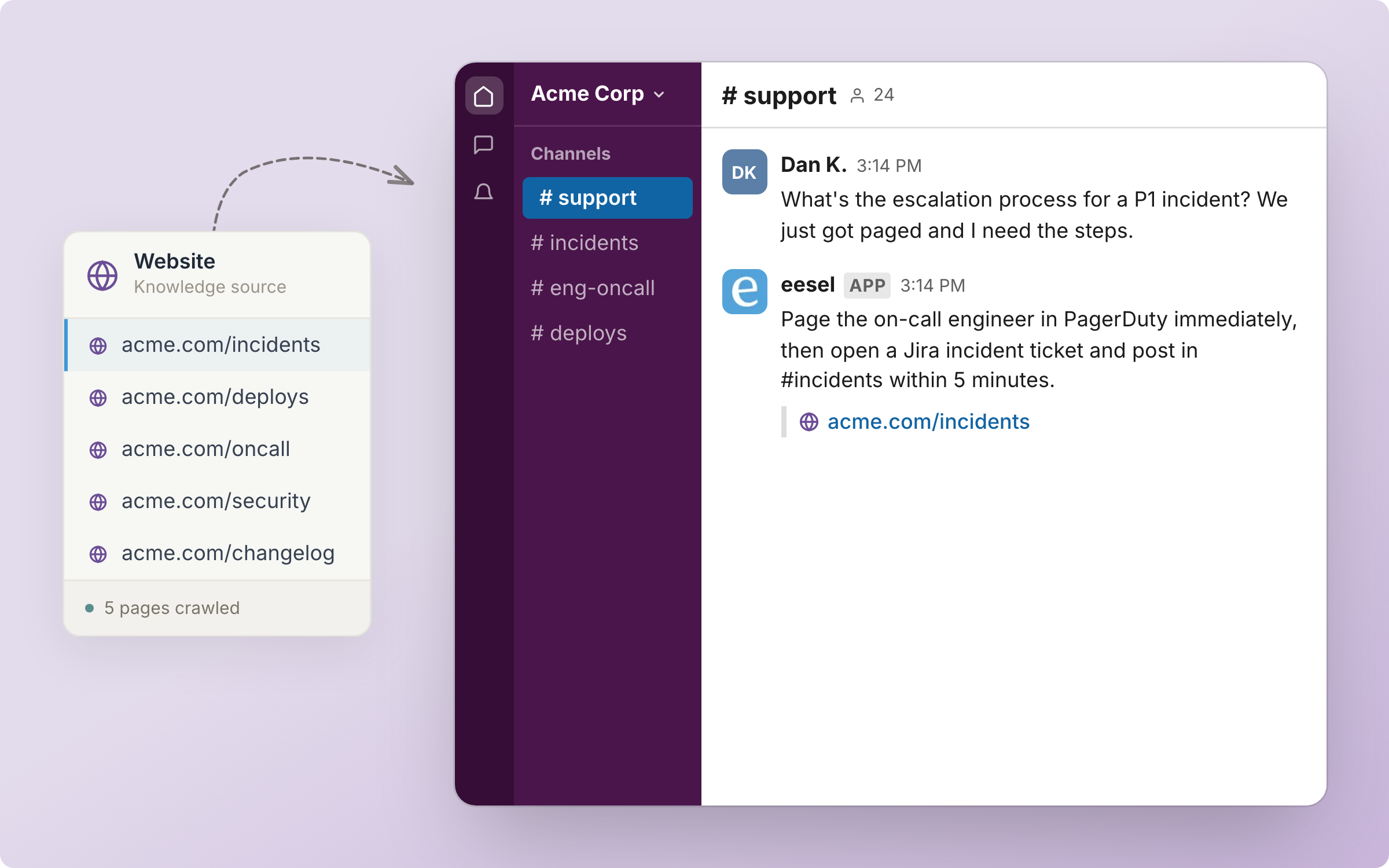
Point your agent at your website and it reads the pages and answers from them, with a link to the page each answer came from.
Your AI teammate reads the pages of the website you point it at, and answers from them. Every answer links the page it took the answer from.
Nothing runs on its own. Website is knowledge only: no triggers and no actions.

Quick start
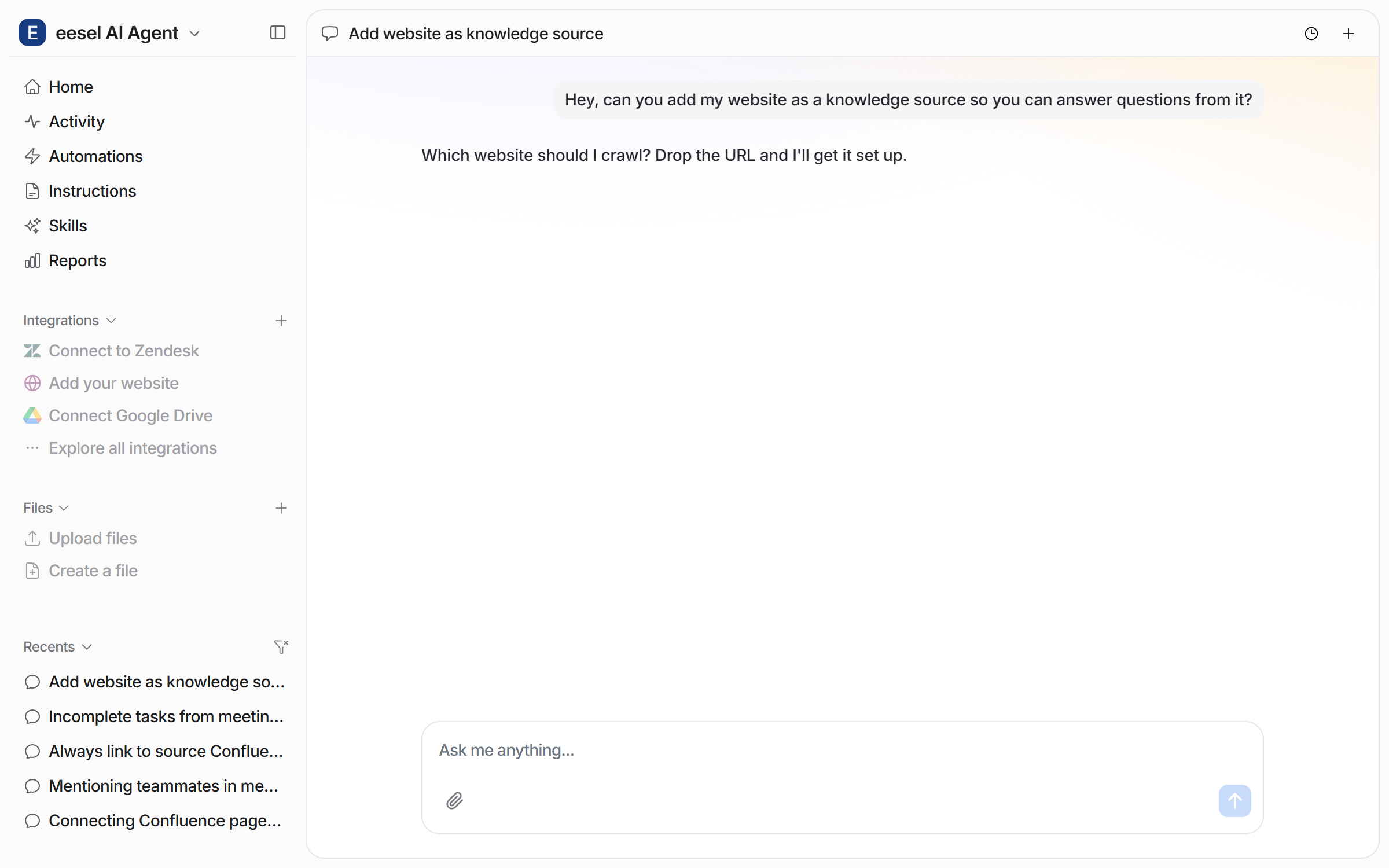
Give the URL
Send the URL you want read. The URL decides the scope of the crawl:
The crawl starts at the exact URL you give.
A URL for one section, such as one ending in
/docs, holds the crawl to that section.The root domain crawls the whole of that domain. A subdomain such as
help.yourcompany.comis a separate integration.
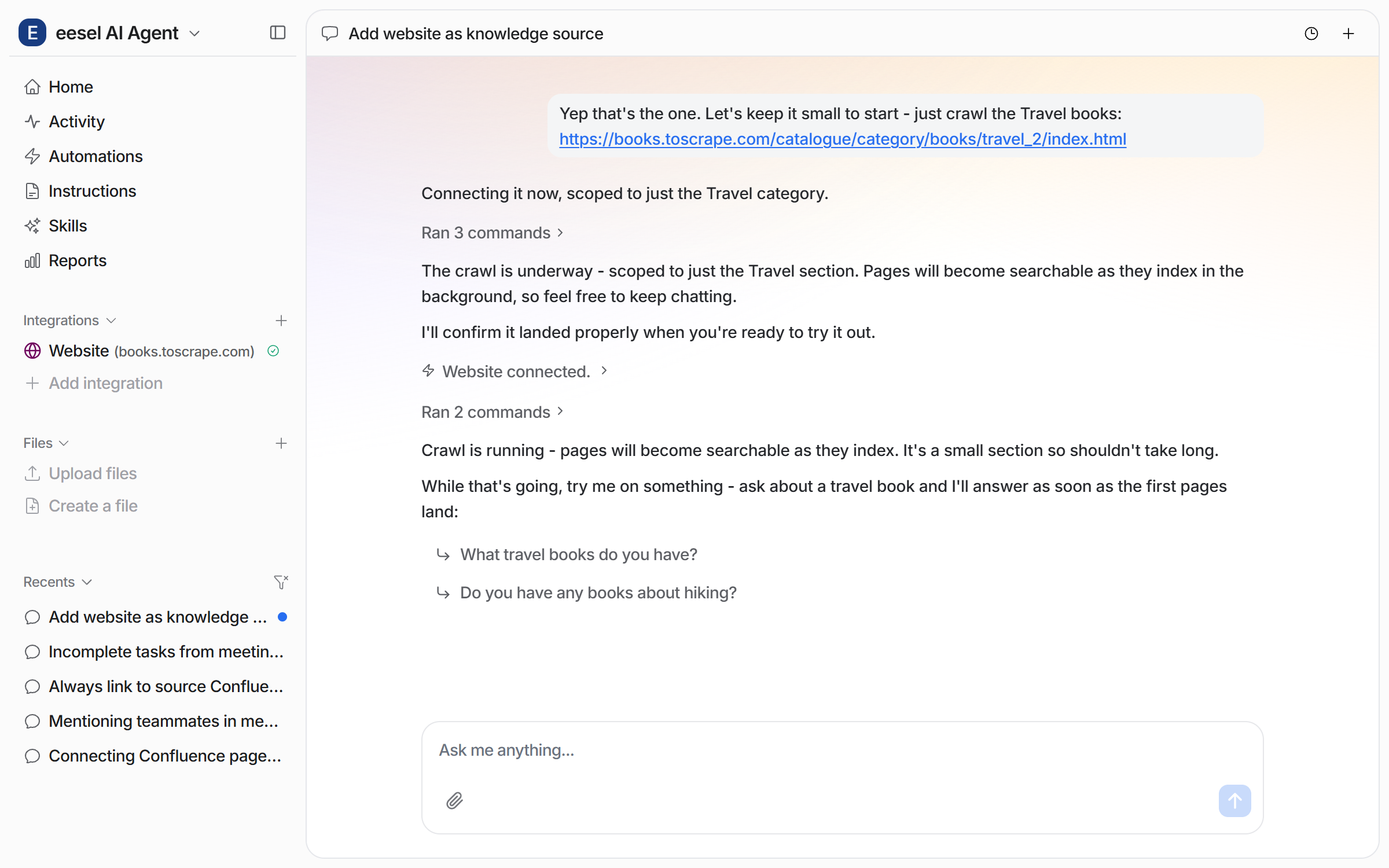
Your agent starts the crawl and confirms the website is connected. Pages become searchable while the crawl is still running, so you can keep chatting. The left sidebar now lists the Website integration with your domain.

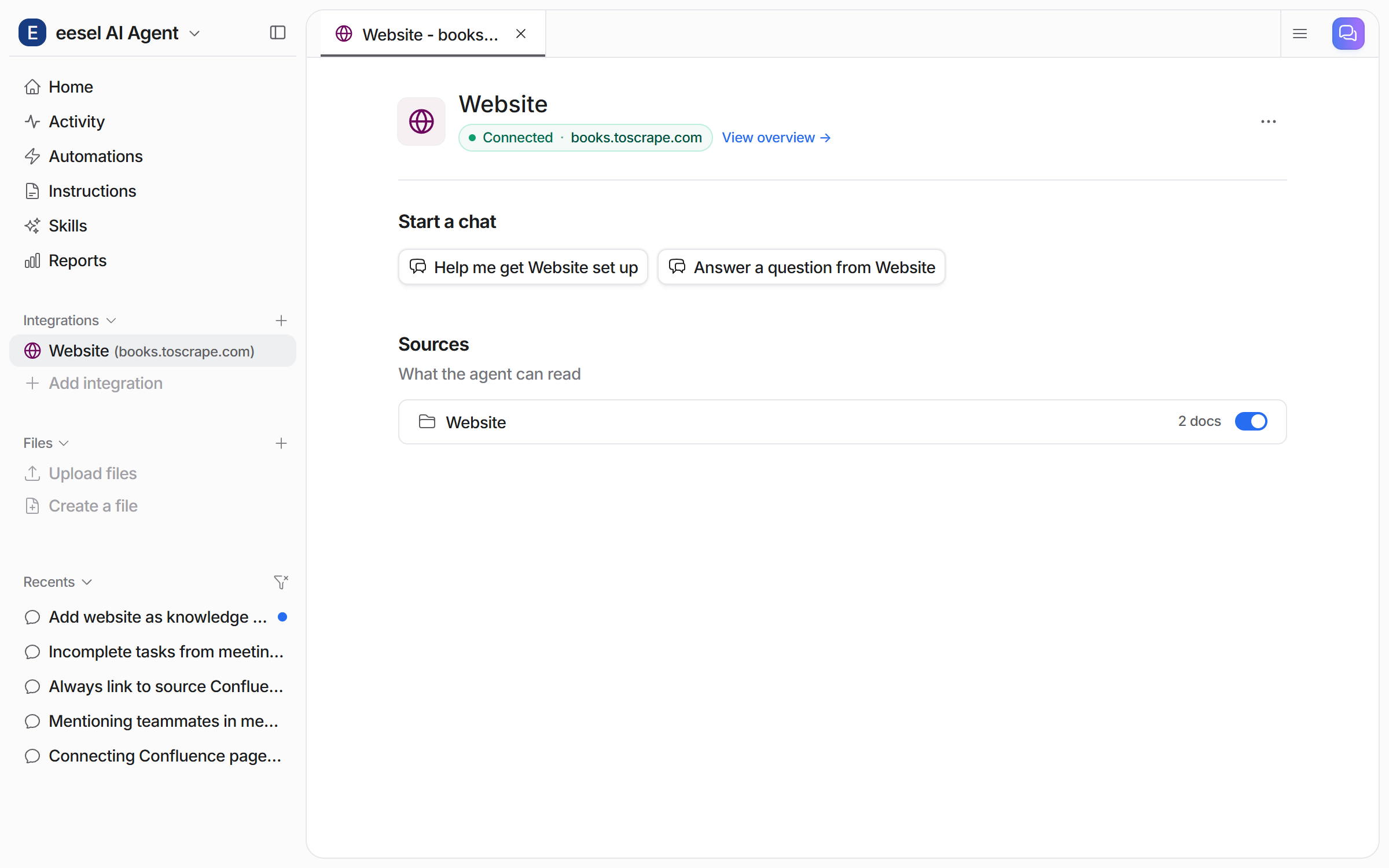
Check it worked. The integration page shows Connected with your domain, and the Website source shows a document count. From a terminal, eesel status lists the integration as connected with its source counts.
Check what it can read
Integrations > Website shows the connection and its sources. The Website source shows a document count once pages are indexed. Its toggle stops your agent answering from those pages. The two Start a chat buttons open a chat about Website, one for a question and one for setup help.

Tell it how to answer
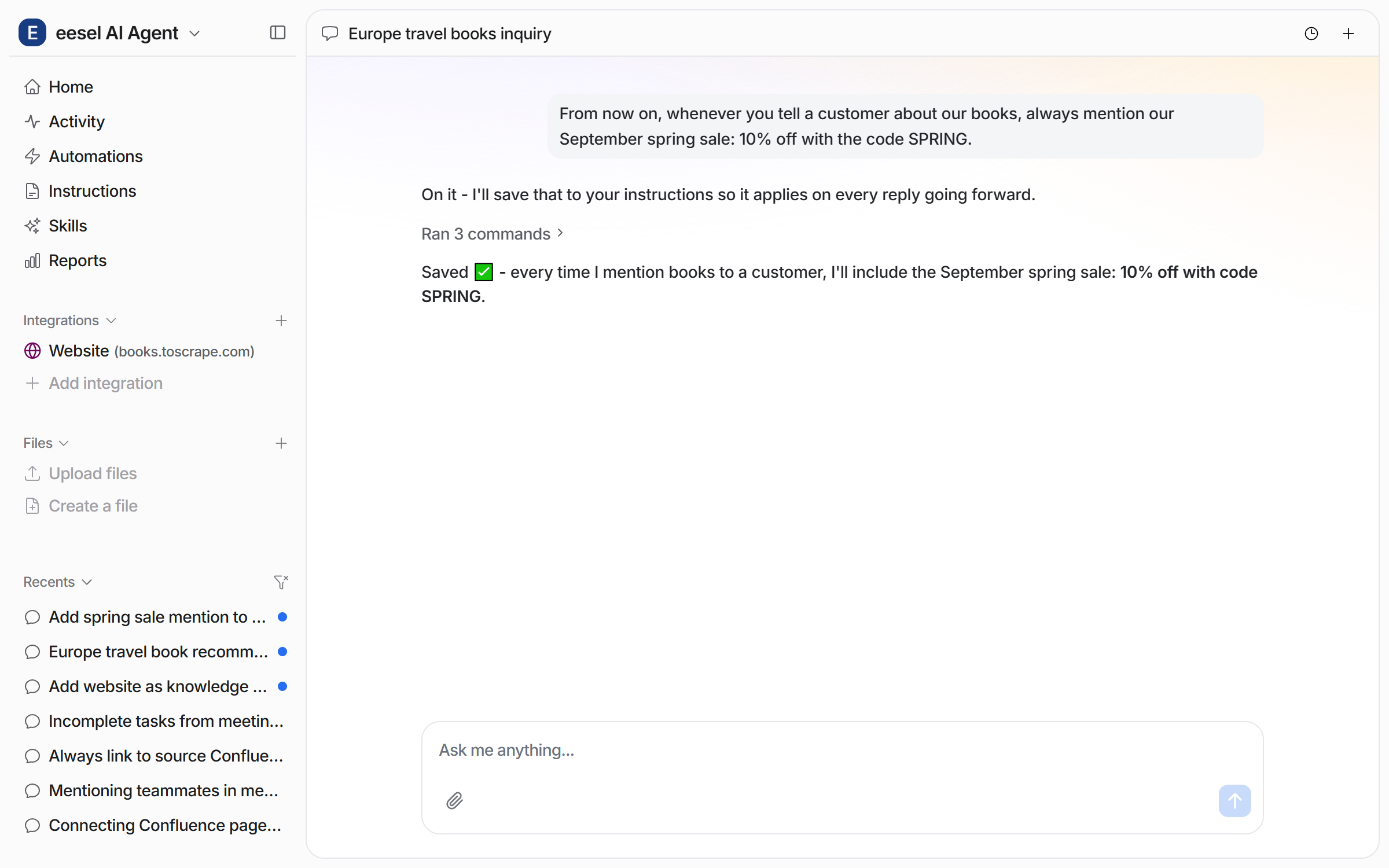
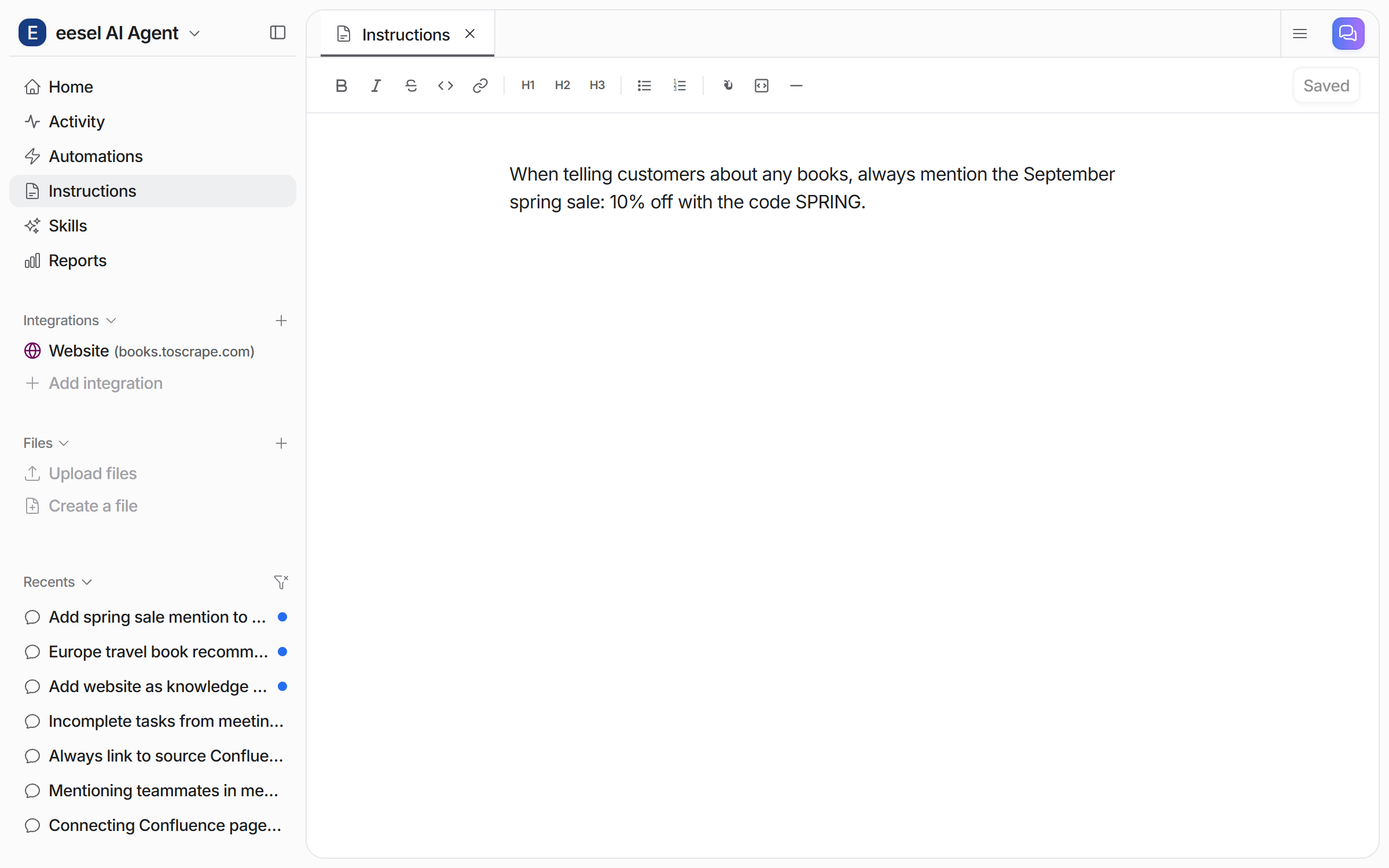
Tell your agent in chat what to always mention, or always leave out. It saves the rule and applies it from then on.

The rule then sits on the Instructions page, where you can read or change it.

Put it to work on your site
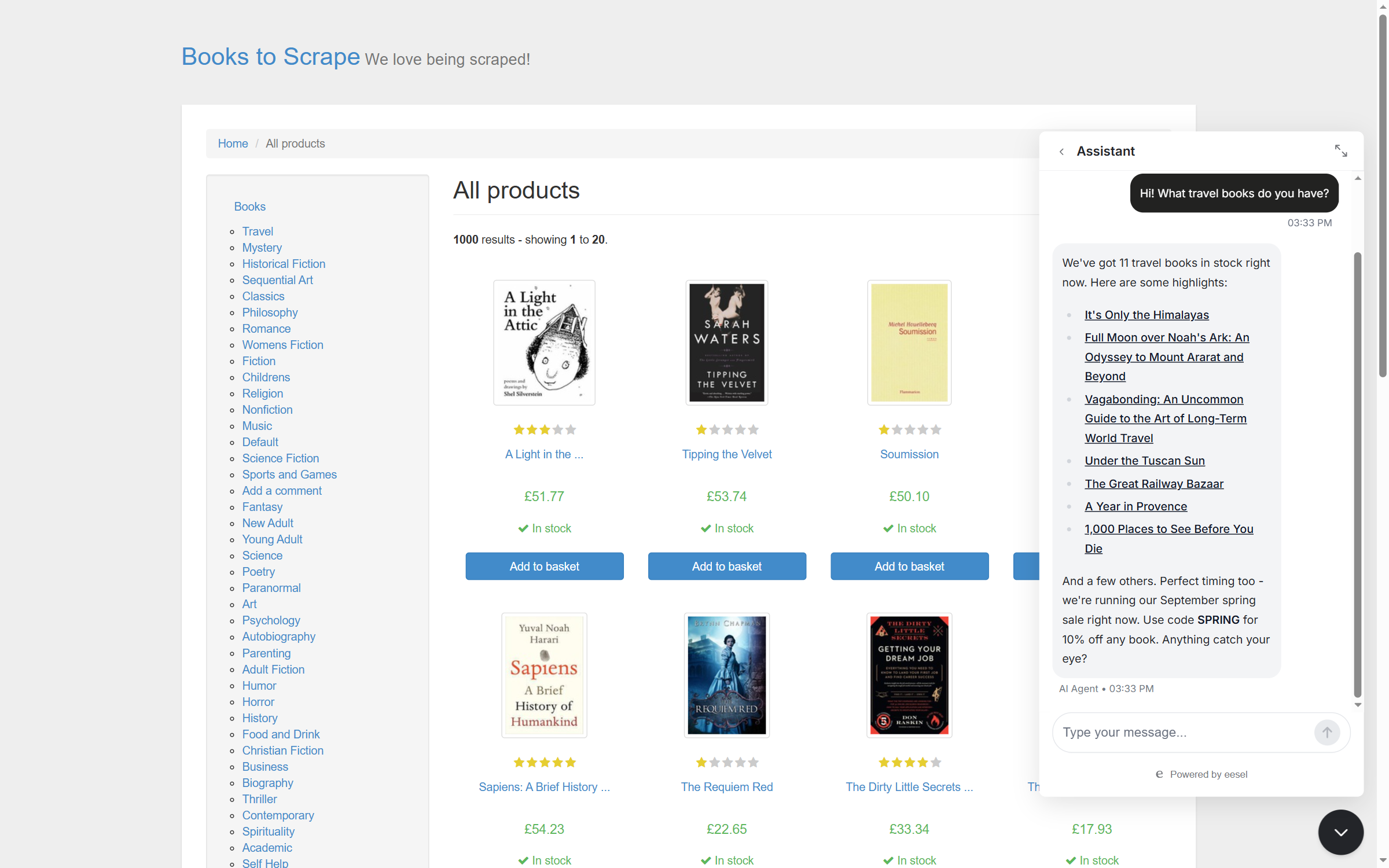
Add the eesel chat bubble to your website and visitors can ask there. Your agent answers from the crawled pages, links the pages it used, and follows your instructions. See Chat Bubble for how to add the bubble.

Sources
Sources are what it learns from:
Web pages
Pages crawled from the URL you give, found through your sitemap and by following links
The URL, plus custom headers if the site is behind a login
A single crawl indexes up to 2,000 pages. Content stays as it was at the last crawl until you re-crawl. There is no automatic re-crawl, so re-save the integration from Integrations > Website to run a fresh one. A fresh crawl also finds newly linked pages.
One integration covers one domain, so www.yourcompany.com and help.yourcompany.com are two integrations. Giving the same domain again re-crawls into the same integration.
Every other integration on the agent is also a source. So one reply can draw on your website, Confluence, Google Drive, your helpdesk and your uploaded files at once. See Integrations.
Troubleshooting
FAQ
Related pages
Last updated