> For the complete documentation index, see [llms.txt](https://docs.eesel.ai/llms.txt). Markdown versions of documentation pages are available by appending `.md` to page URLs; this page is available as [Markdown](https://docs.eesel.ai/use-cases/e-commerce-sales-rep.md).

# E-commerce Sales Rep

Your AI teammate sees everything a good sales assistant needs, all at once: live product data from your storefront, order and fulfilment status, customer history, and whatever lives in the systems around them, like your ERP, your 3PL, and your help center.

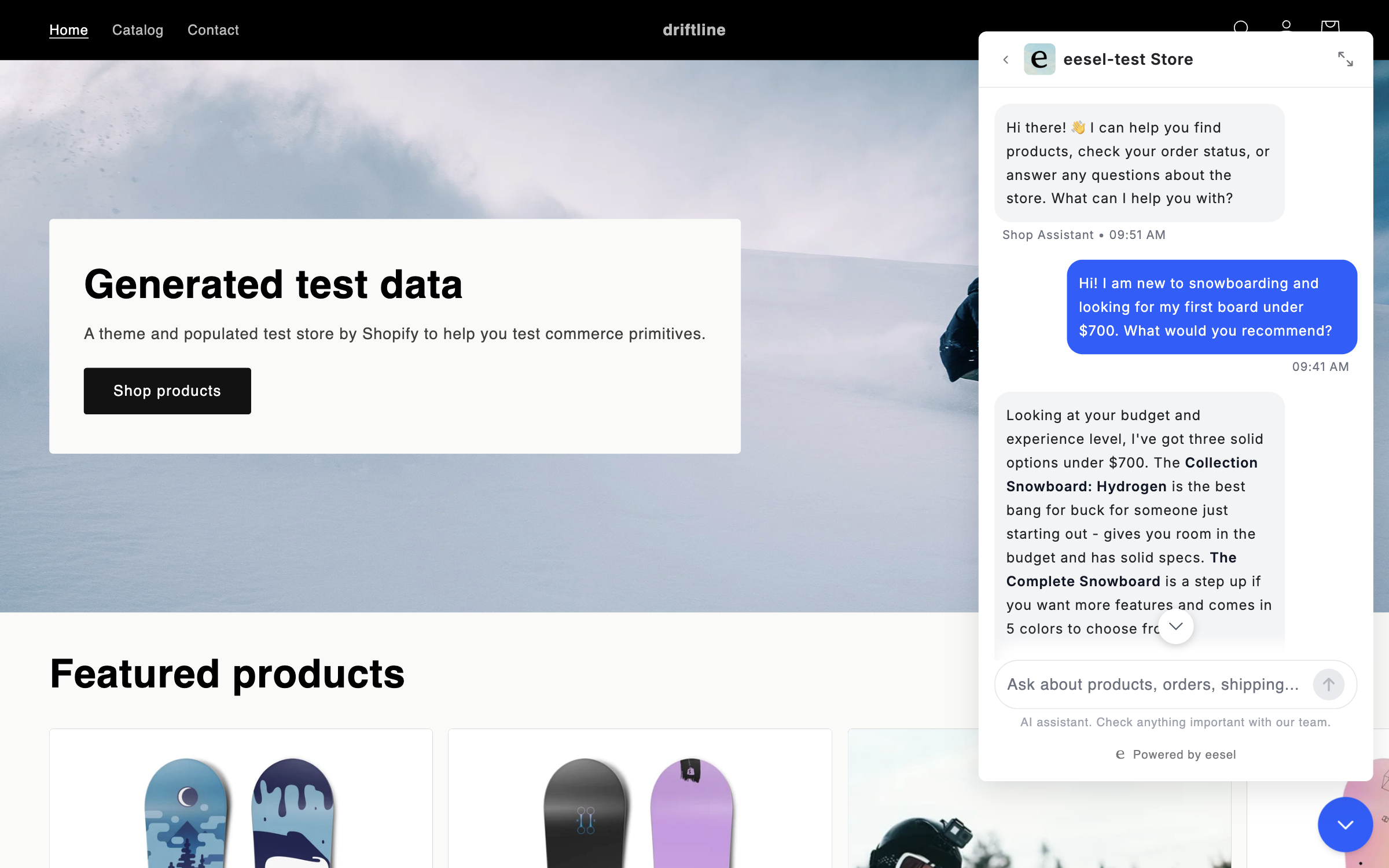
So it can handle the questions before a sale (recommend the right product, check stock in the size someone wants, compare variants side by side) and the ones after (where's my order, process a return, issue a refund, cancel something unshipped), without handing the customer off in between.

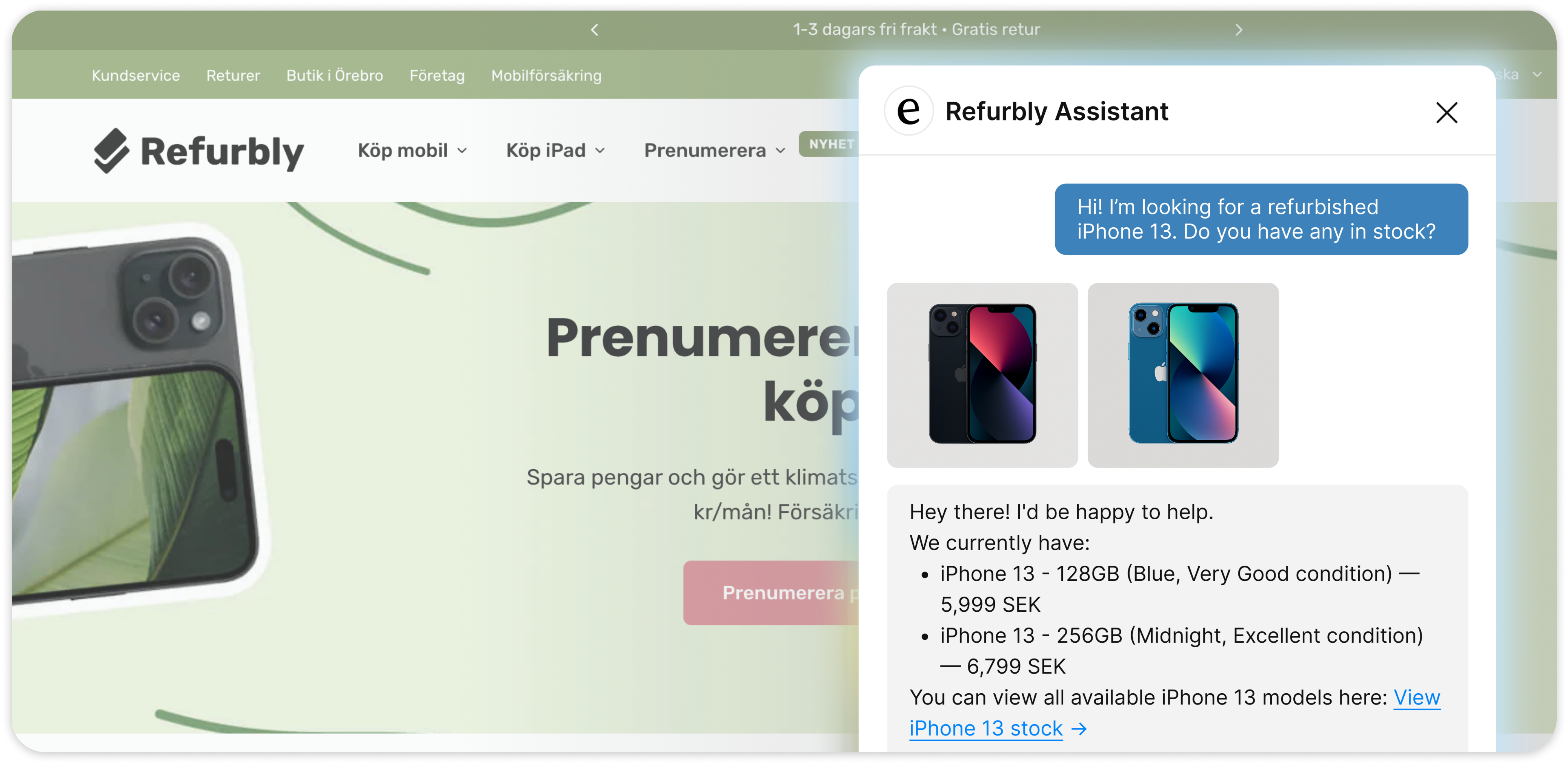
<figure><img src="/files/6mxLqOp6SSIqNY4E9JDf" alt="An online store with the eesel chat open, where a customer asks for a refurbished iPhone 13 and the agent replies with two matching products shown as cards, each with condition and price"><figcaption><p>A customer asks for a product. Your teammate checks live stock and answers with the actual items, prices, and condition.</p></figcaption></figure>

## Quick start

The fastest way through all of this is to open your agent's chat and say what you're trying to do. It walks you through each step. The steps below are what that conversation covers.

{% stepper %}
{% step %}

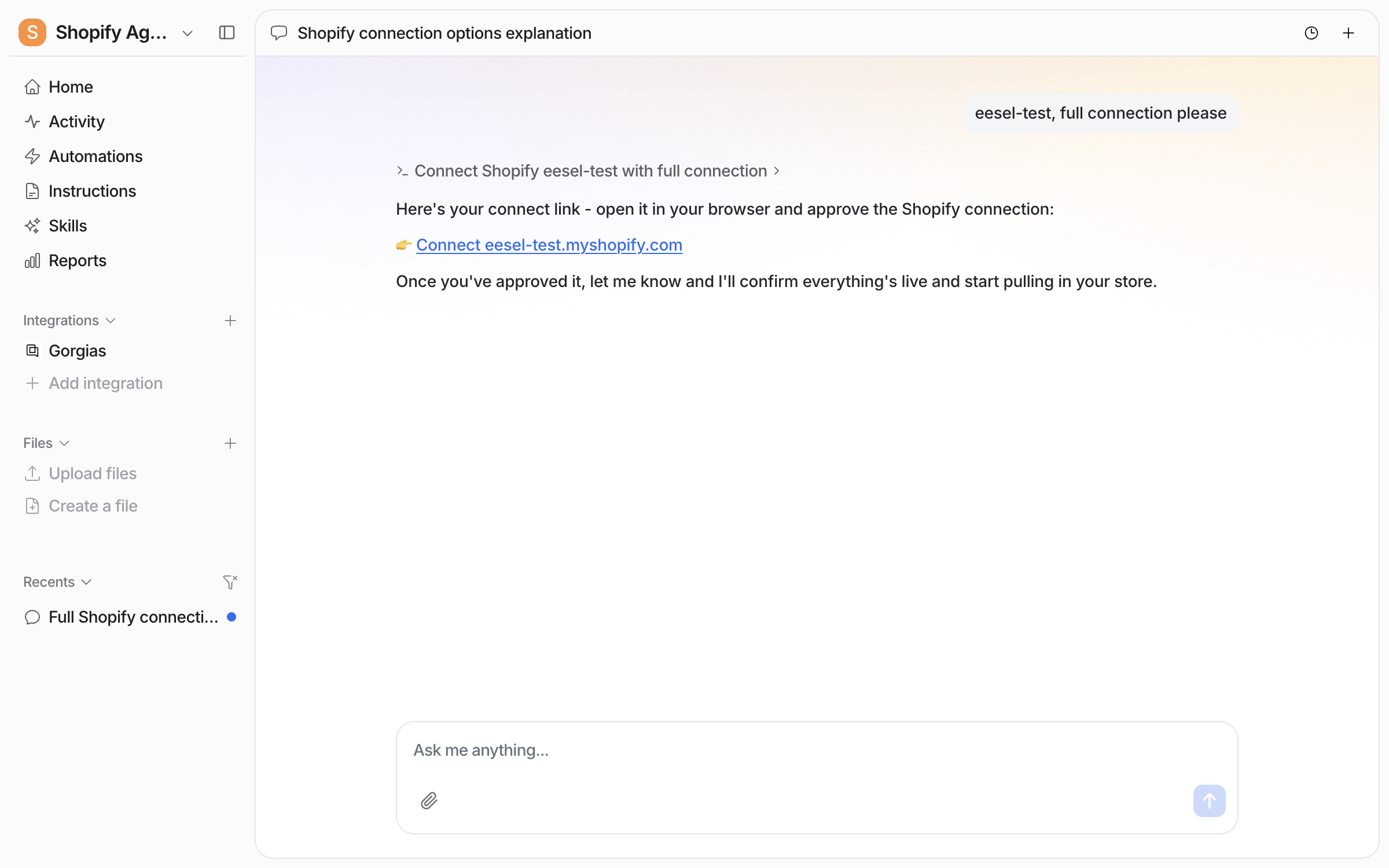
### Connect your store

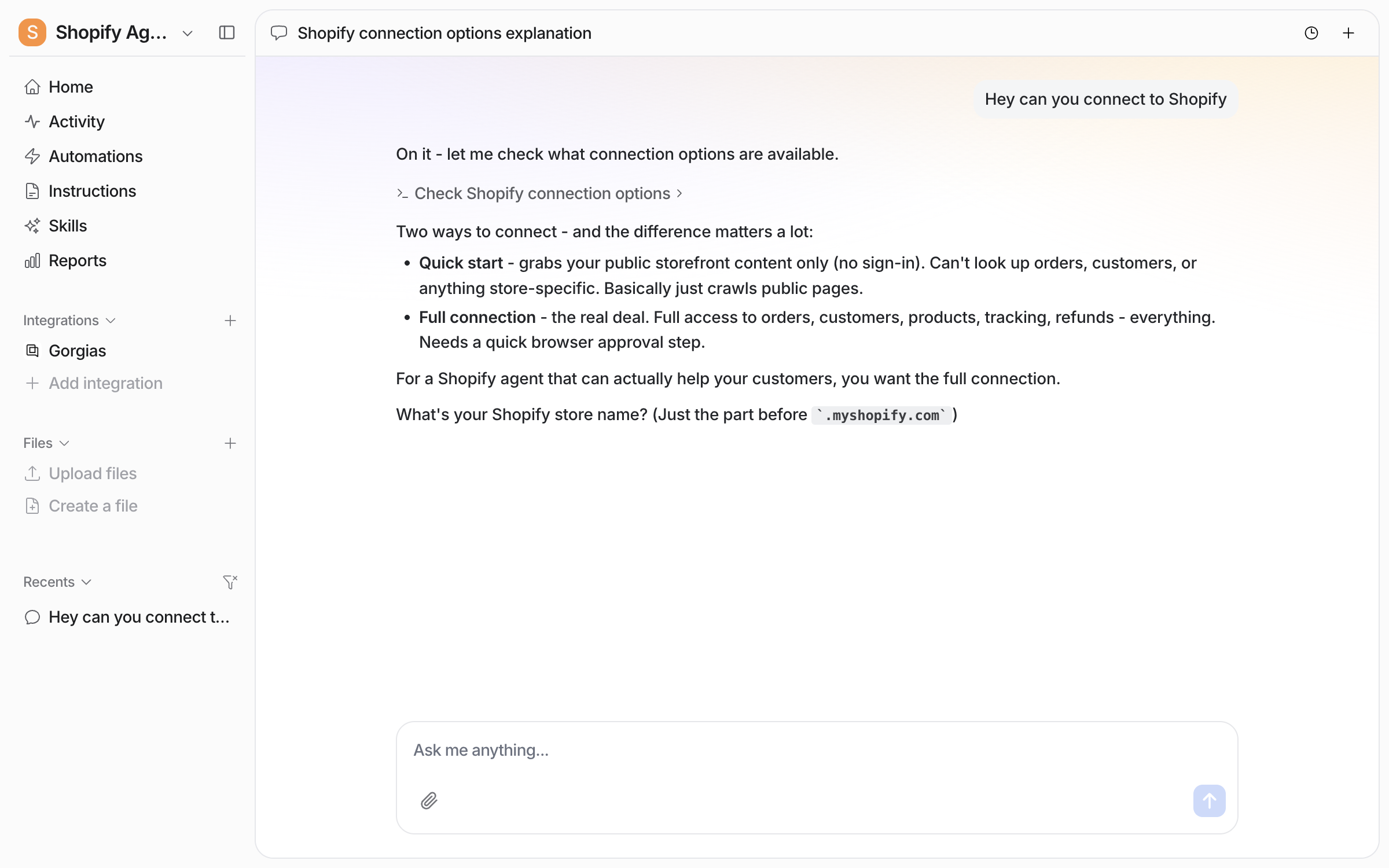
Ask your agent to connect Shopify:

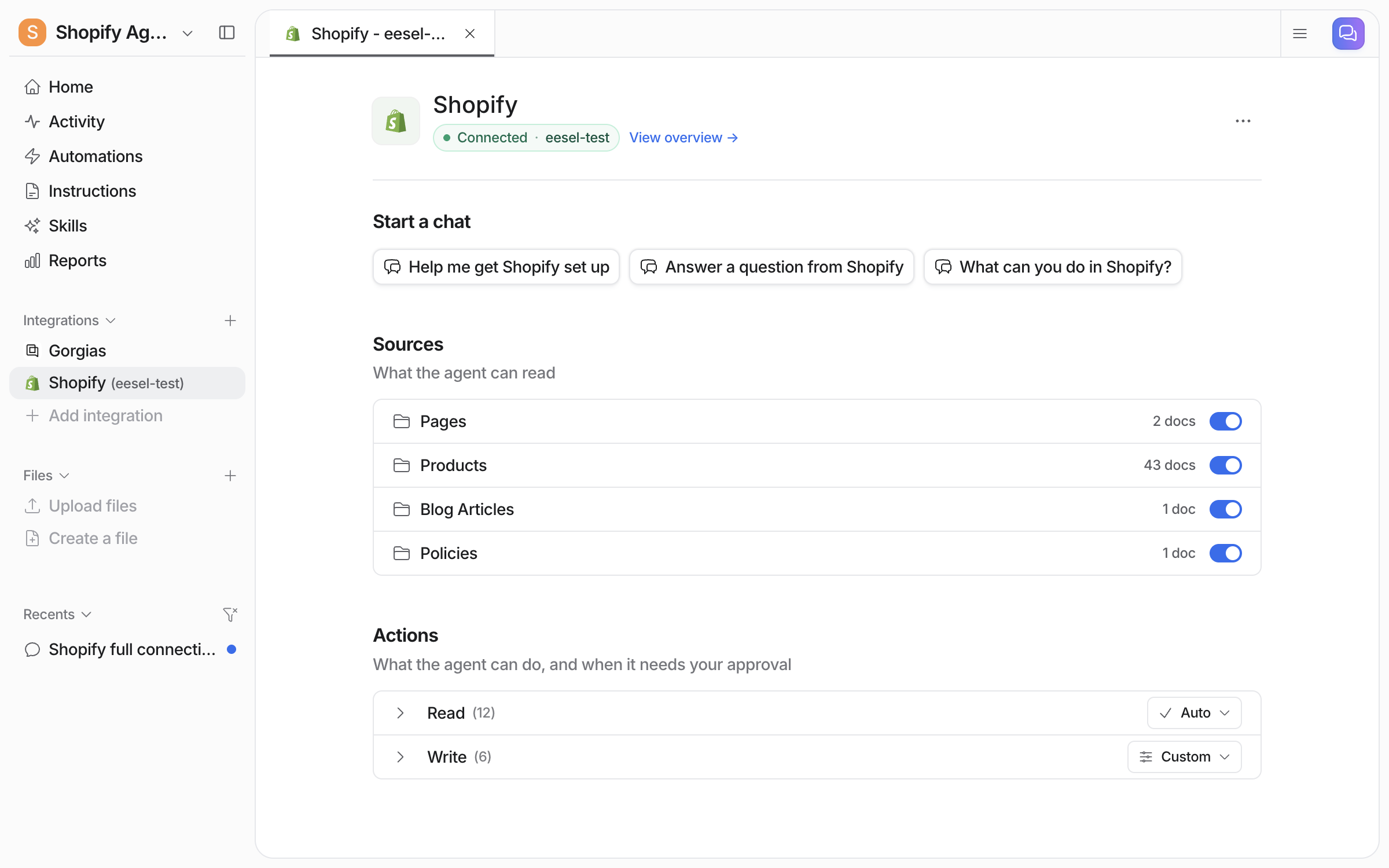
* **Connect Shopify (recommended).** Give your shop name, approve the connection in Shopify, and it gets live access to orders, products, customers, and actions.
* **Quick start.** Give your storefront address and it crawls your public store. No sign-in, but no order lookups or actions. Upgrade later without losing anything.

<img src="/files/cLbZugXnzodnmCmxIavM" alt="The dashboard chat asked to connect Shopify for order lookups, next to the Next steps list suggesting the Shopify connection" width="563">
{% endstep %}

{% step %}

### Give it a way to escalate

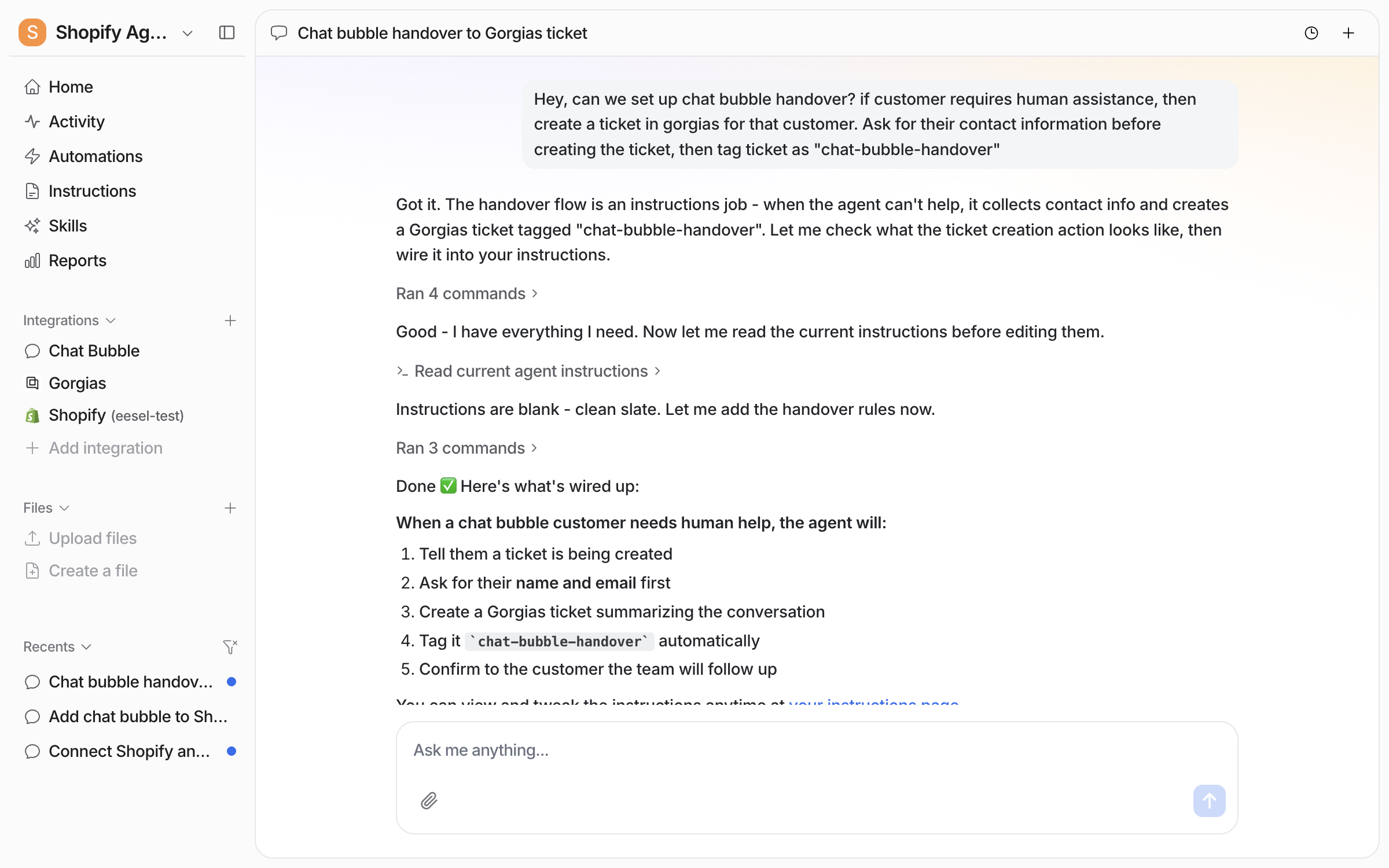
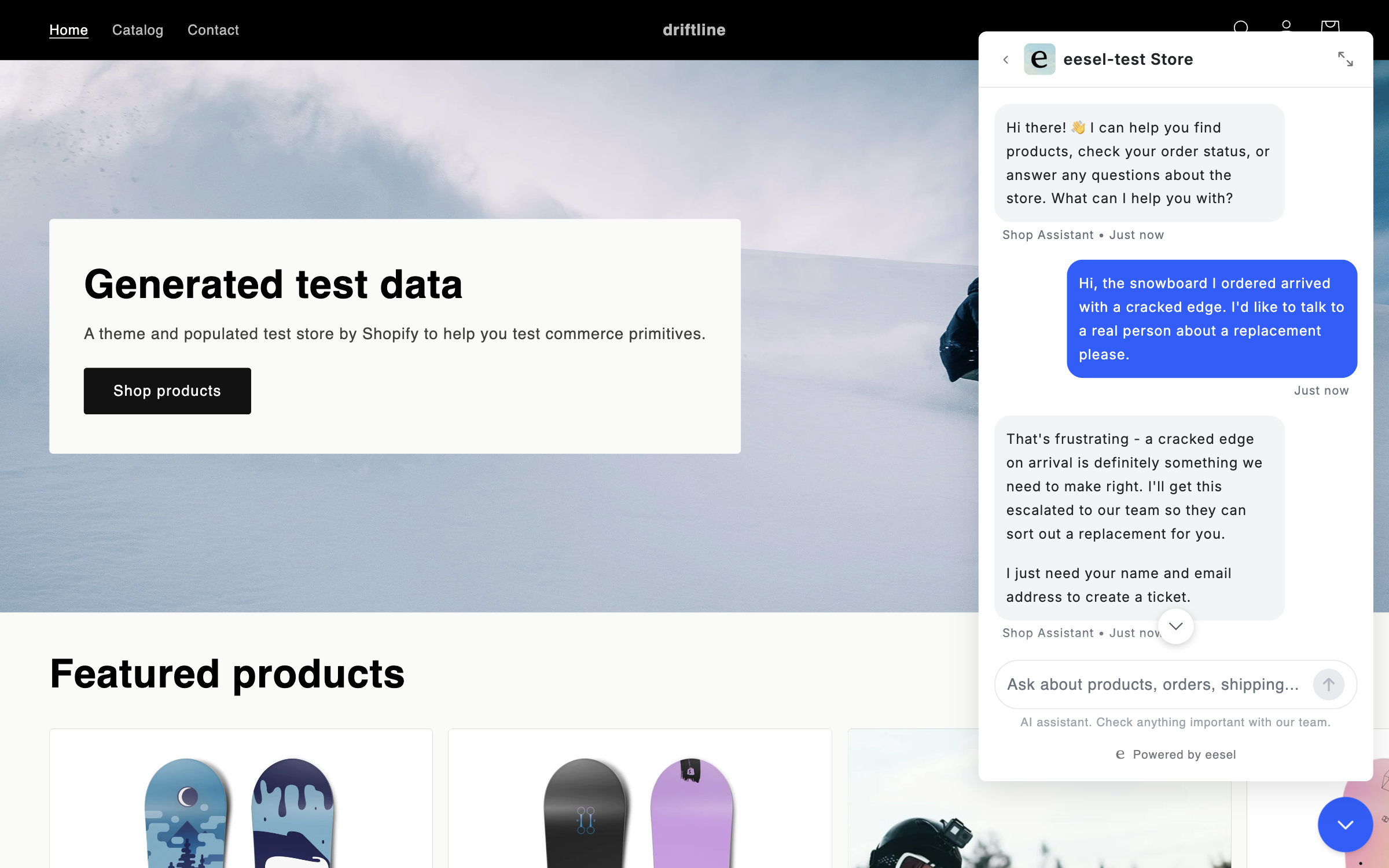
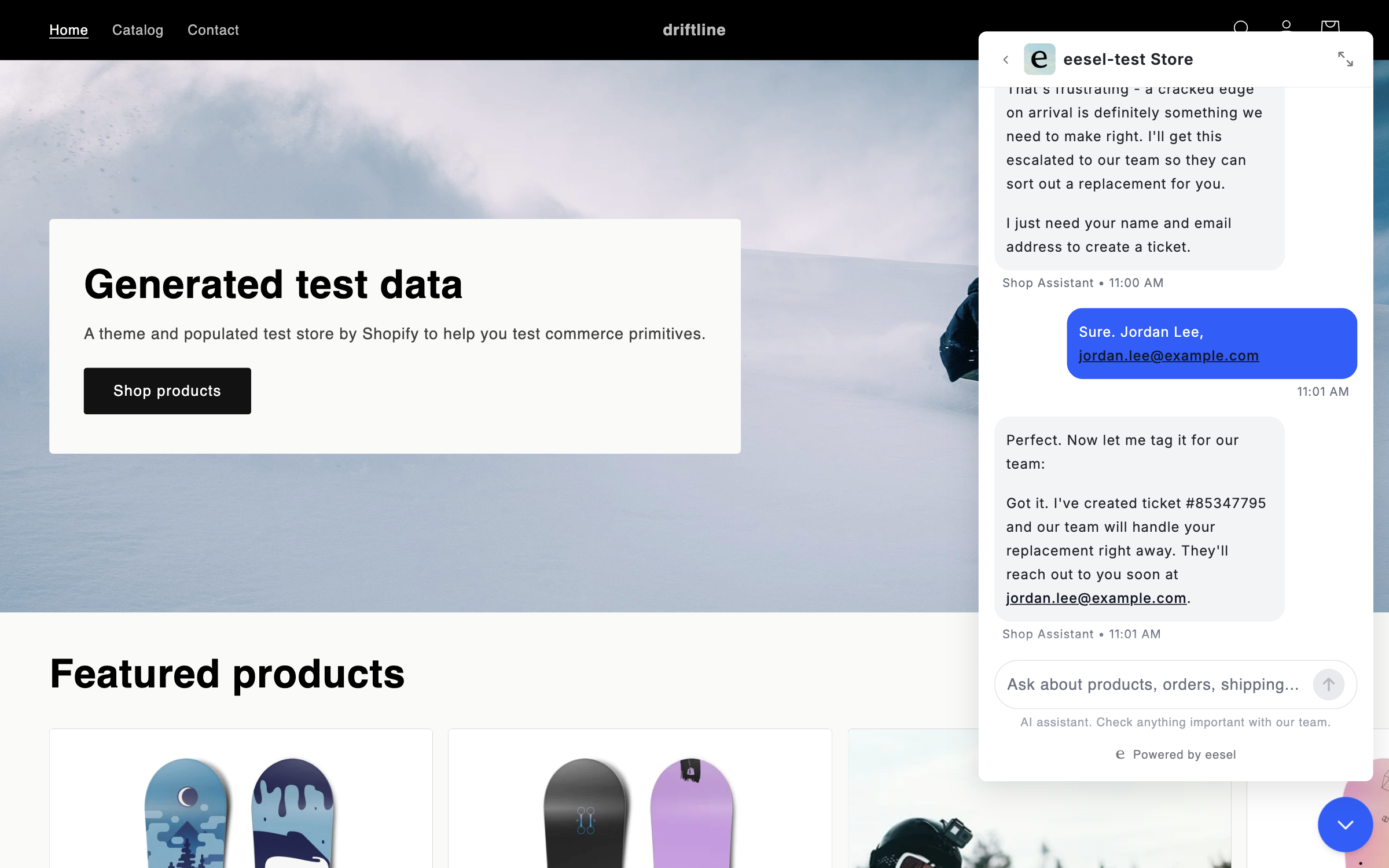
Ask it to connect somewhere to hand off: your helpdesk (it creates a ticket for a human), Slack or another team chat, or an email address. Set up more than one and tell it which to use when.

<img src="/files/uS8BSqJOcYLbX4nUDA26" alt="The chat asked to set up escalations to Slack and Zendesk from the chat bubble, with the agent asking when an escalation should fire and which Slack channel to notify" width="563">
{% endstep %}

{% step %}

### Brief it on how you sell and support

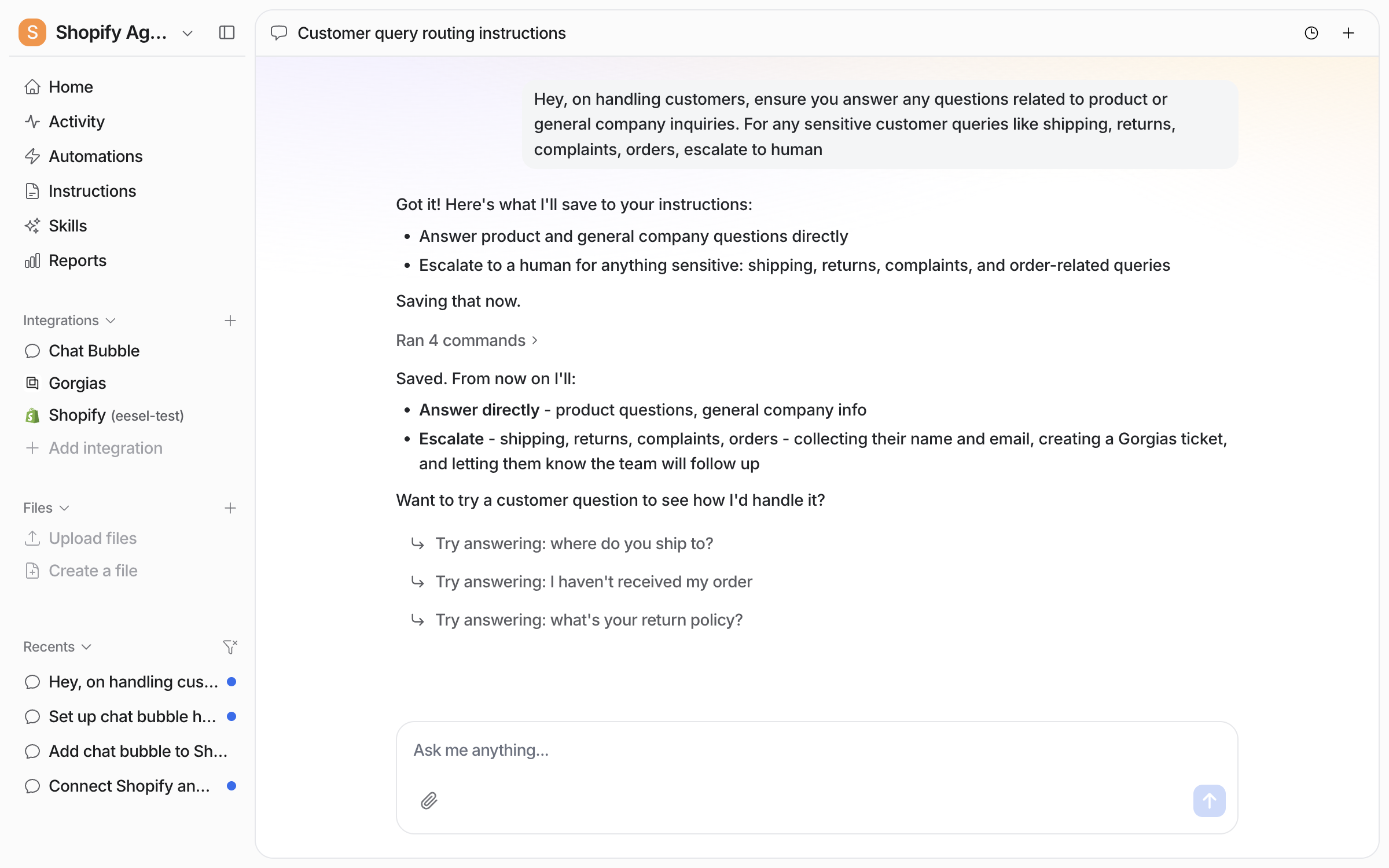
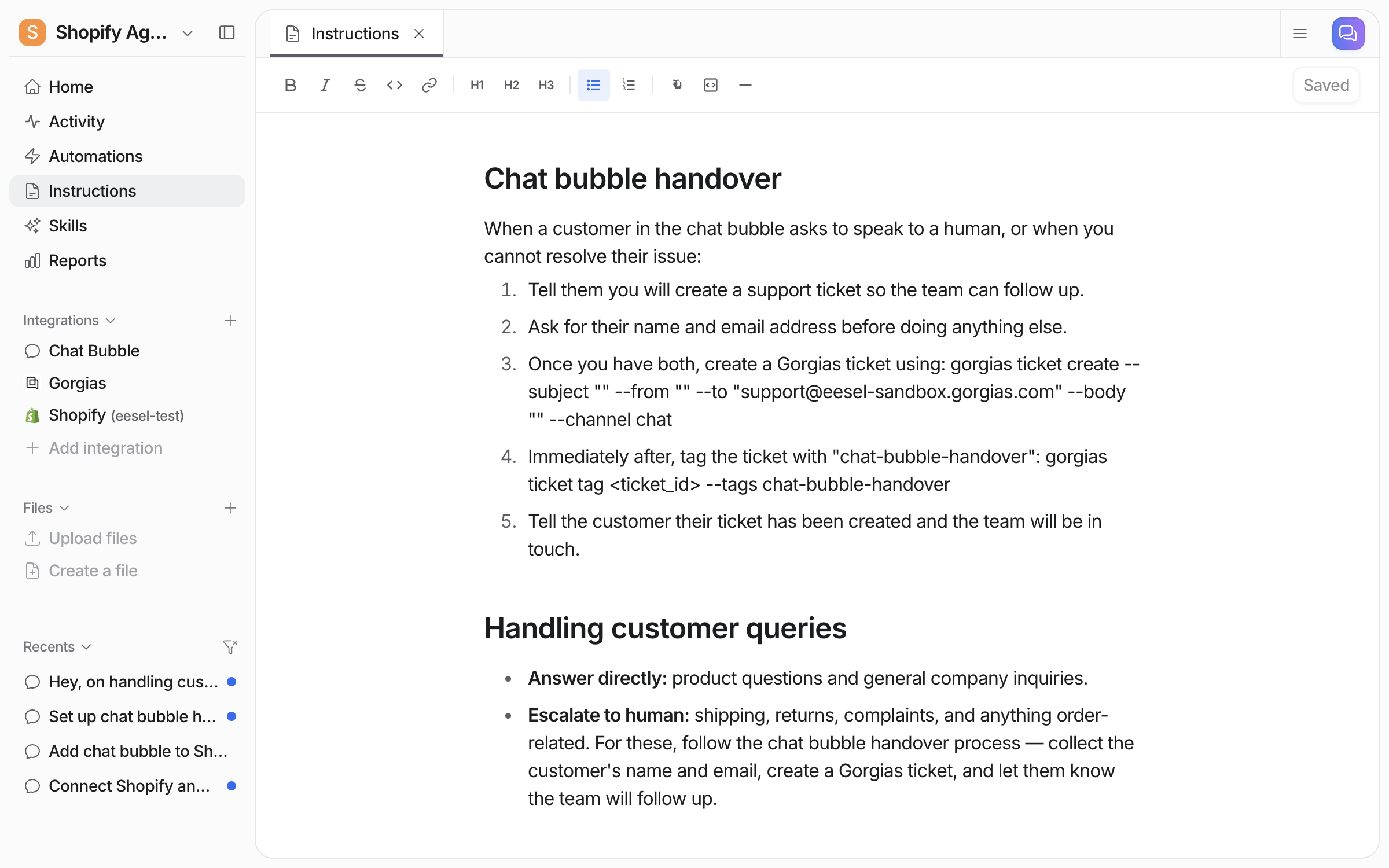
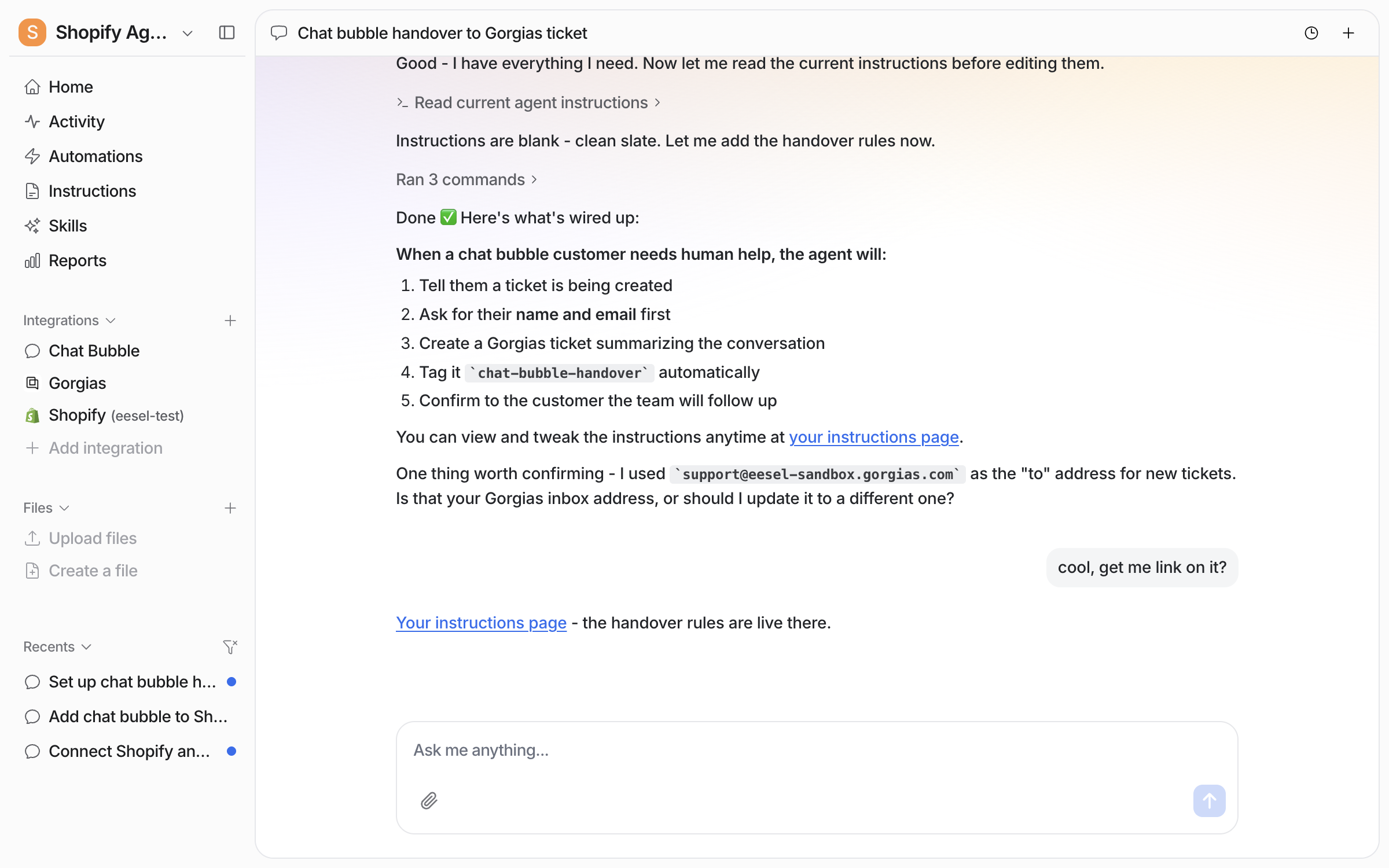
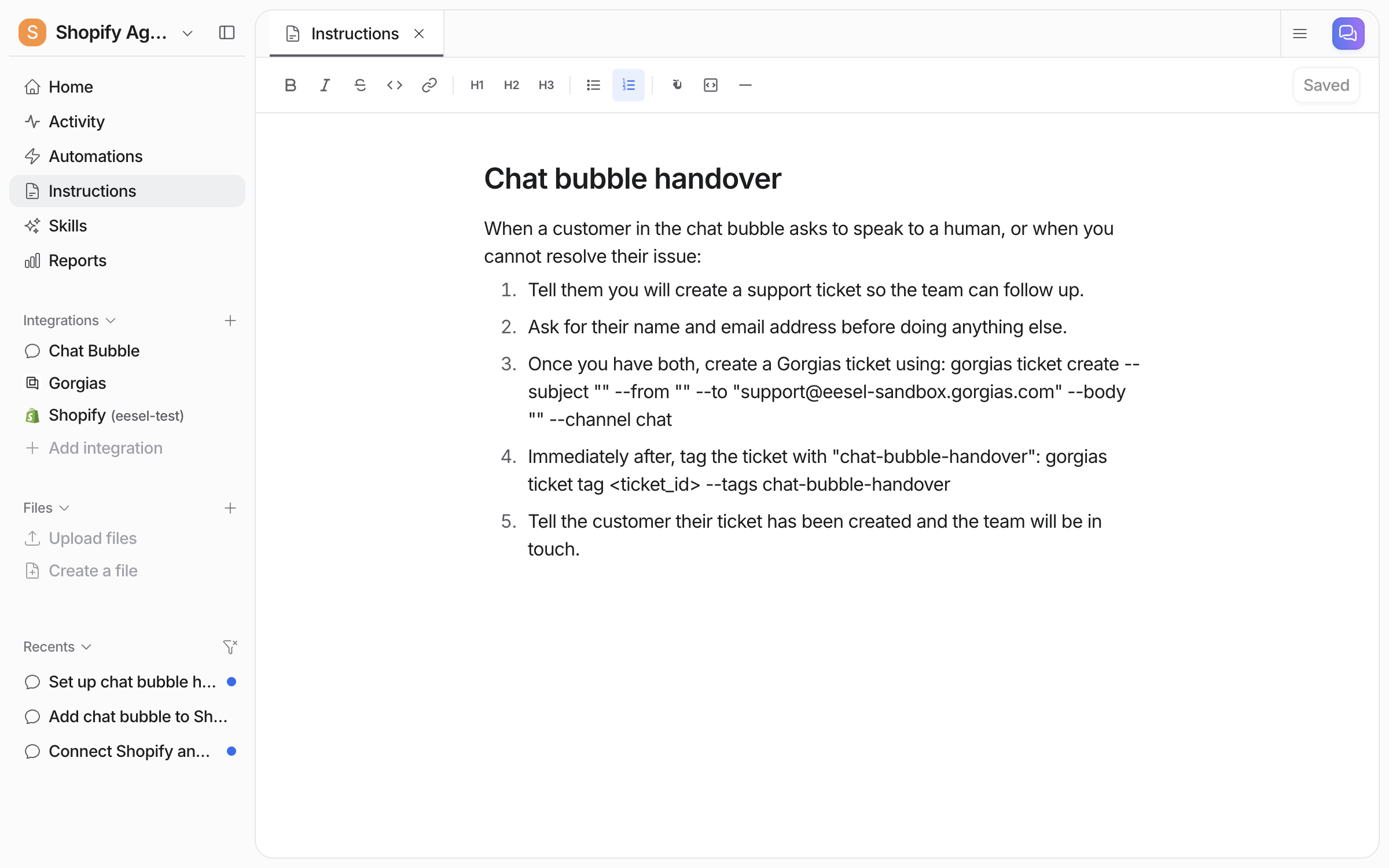
Tell it which products to steer toward, your returns window, what needs a human, and any discount codes it can use. Better yet, upload the procedure docs your human team already works from. Correct it as you test and it saves the rules to its own instructions.

<img src="/files/Aib7pHxJzpNGLS0ARBUa" alt="A plain-language brief in chat: draft replies for product questions, tag them, and assign sensitive emails to a human, with the agent wiring it up" width="563">
{% endstep %}

{% step %}

### Tell it which actions it can take

Explain in chat what it can do on its own and what needs your approval. Most teams let it look things up freely and keep refunds and cancellations behind an approval step.

<img src="/files/gZavgkqNovAczfLx3Sr9" alt="An approval card asking to allow a public reply, showing the drafted product recommendation with a Shopify product link and Approve, Always Allow and Deny buttons" width="563">
{% endstep %}

{% step %}

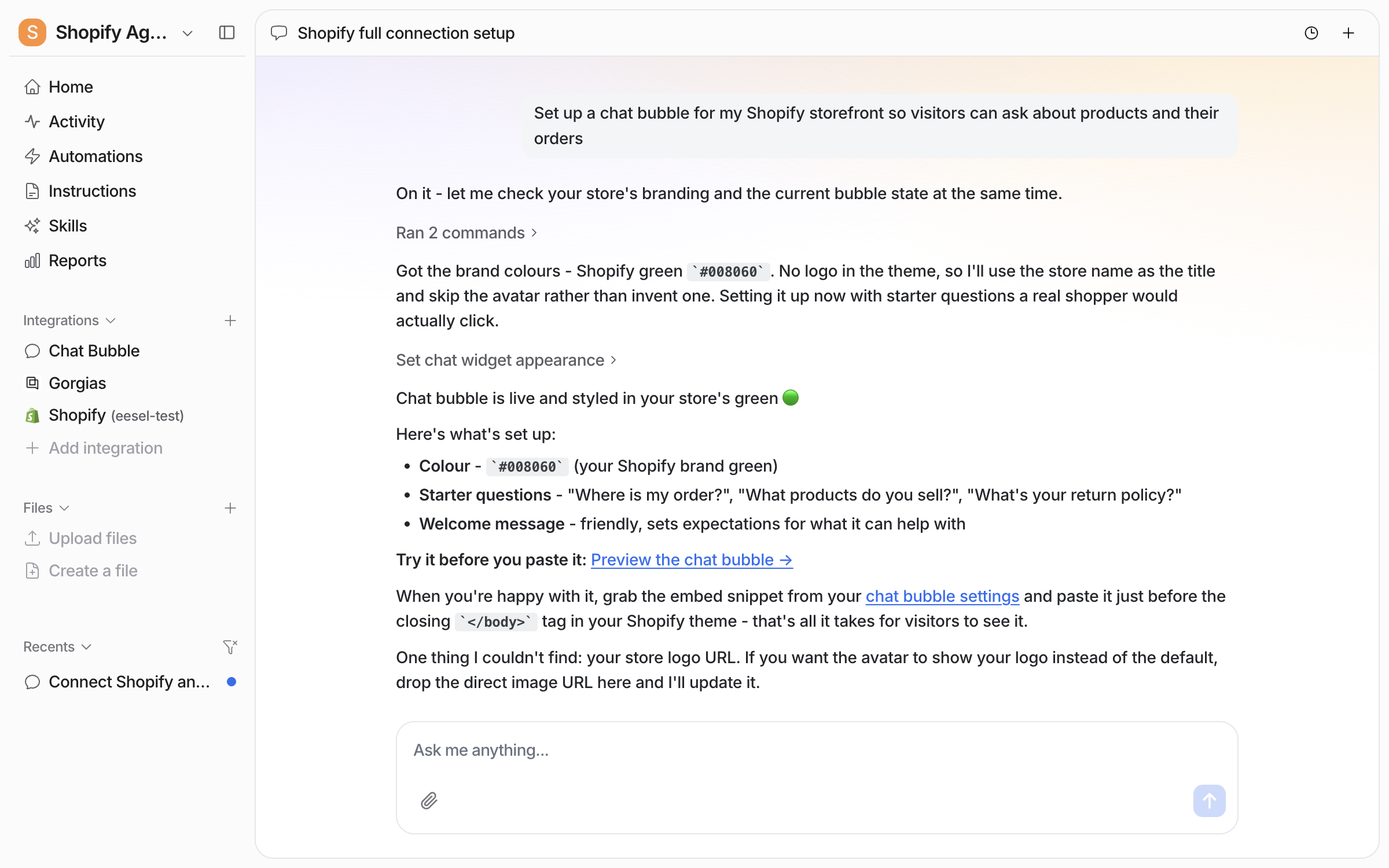
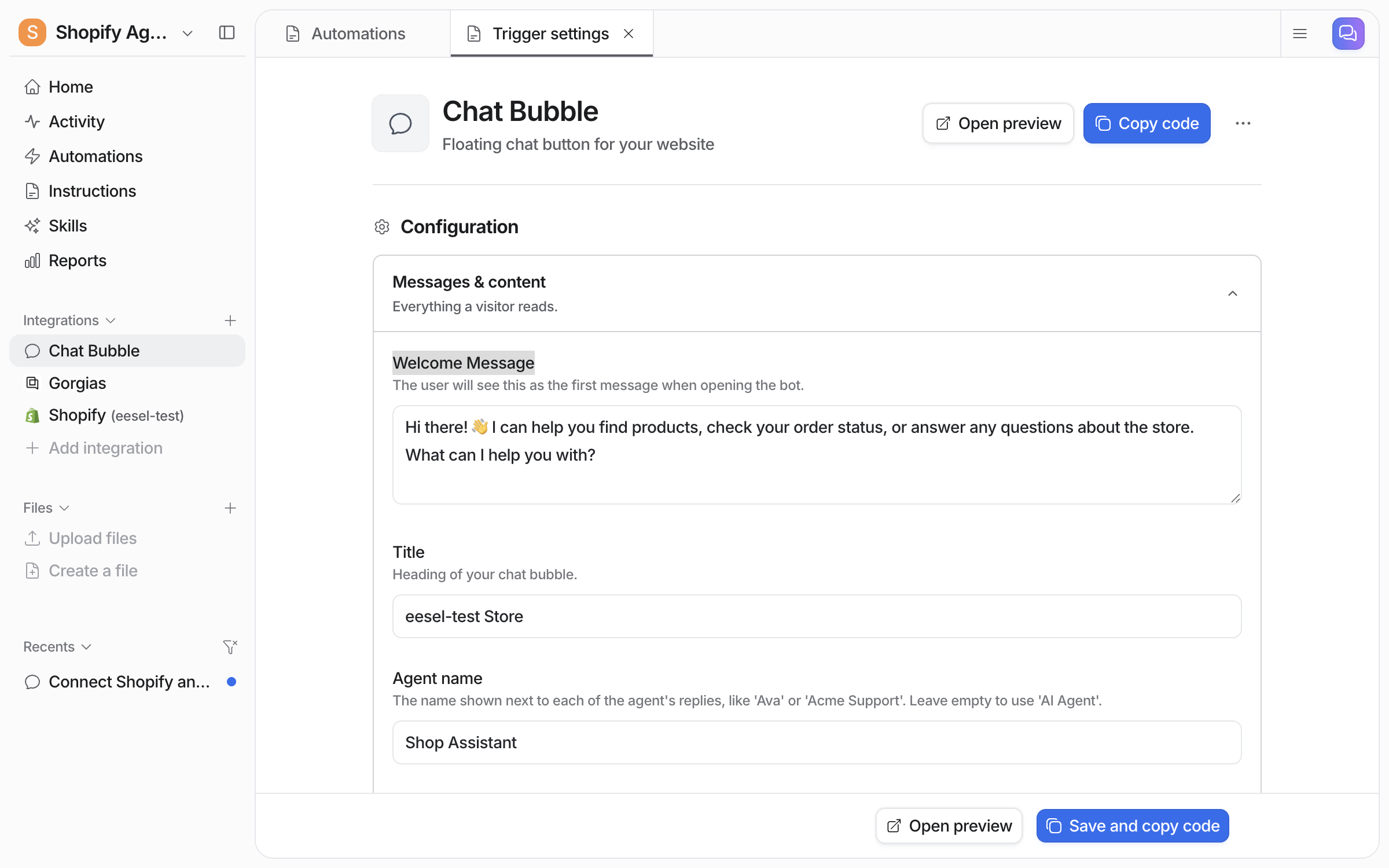
### Put it where your customers are

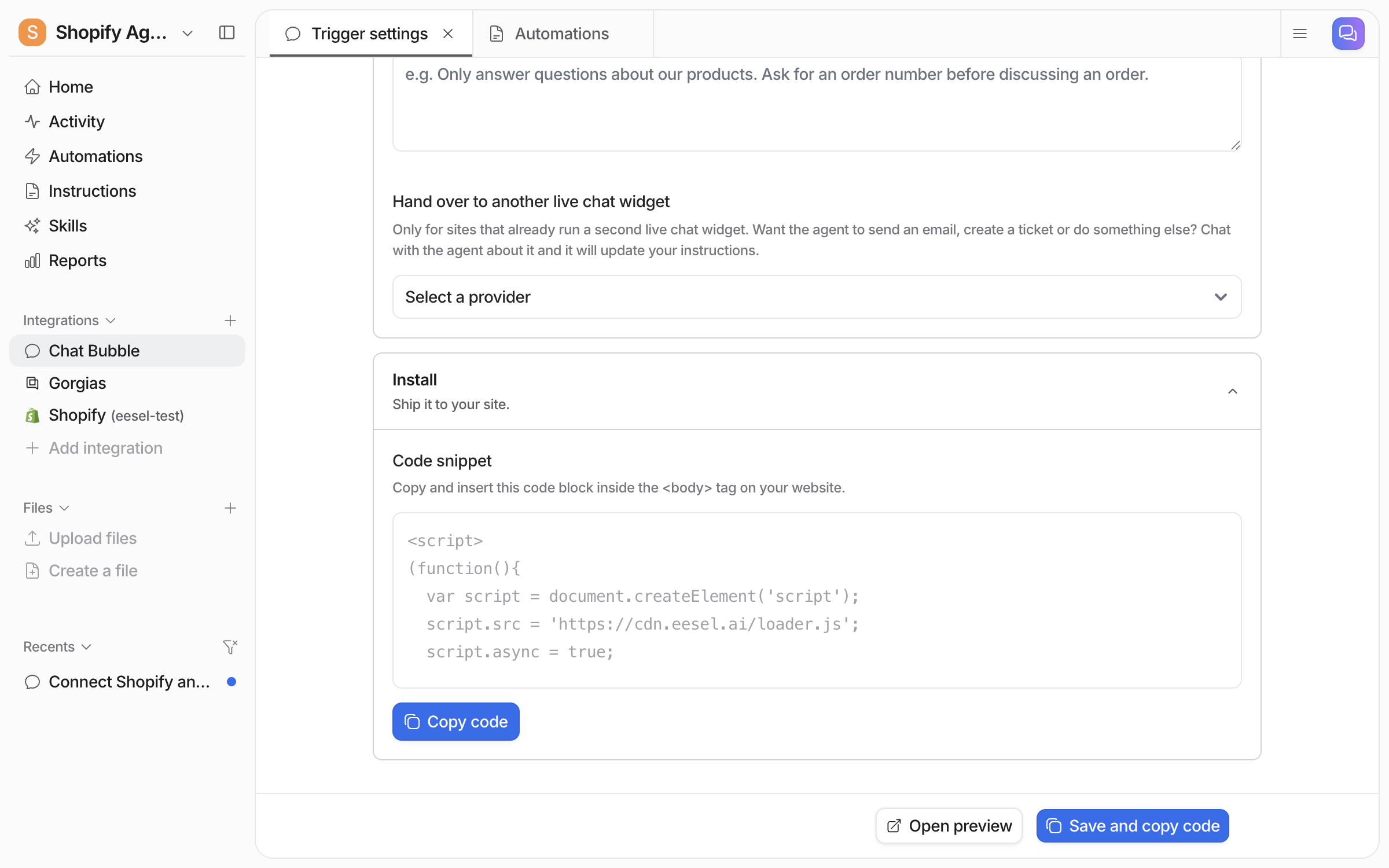
A chat bubble on your storefront (under **Integrations** in the sidebar: style it, copy the snippet), inside your helpdesk, or both, with the same agent.

<img src="/files/fgZMTcsUG2dLGMMZcmcv" alt="The Chat Bubble configuration page with the Chat Bubble integration highlighted in the sidebar and the Copy code button highlighted, ready to paste the snippet into your site" width="563">
{% endstep %}
{% endstepper %}

## What your agent can do

### Sell

| It can                            | What that looks like                                          |
| --------------------------------- | ------------------------------------------------------------- |
| **Search your products**          | "Do you have anything waterproof under $150?"                 |
| **Check real stock and variants** | Size, colour, SKU, price, and whether it's actually available |
| **Read product details**          | Specs and custom fields, not just title and price             |
| **Show products as cards**        | Matching items shown visually in chat, not a list of links    |
| **Build a draft order**           | Puts an order together for a customer to complete             |

<figure><img src="/files/9g0O4EvVvpdYjnG845xf" alt="The eesel dashboard chat where the user asks to see products in a carousel, and the agent returns five products from the connected store as cards with images, prices, vendor and View Product buttons"><figcaption><p>Ask for a carousel and your agent pulls real products from your store, with live images, prices, and links.</p></figcaption></figure>

### Support

| It can               | What that looks like                                |
| -------------------- | --------------------------------------------------- |
| **Look up an order** | By ID, or by searching a customer's history         |
| **Check fulfilment** | Where the parcel is and which carrier has it        |
| **Find a customer**  | Profile and past orders from their email            |
| **Start a return**   | Creates the return without a human touching it      |
| **Refund an order**  | Full or partial, with approval if you want it gated |
| **Cancel an order**  | For anything that hasn't shipped yet                |

### Answer from your store's own content

Your storefront is also knowledge: products, pages, blog, policies. "What's your returns window?" is answered from your actual policy page. Add your help center and past tickets and the same agent handles policy, order, and product questions in one conversation.

{% hint style="info" %}
**Keep the risky things gated.** Refunds and cancellations can require approval, so your agent prepares the action and a human confirms it. Start there, loosen later.
{% endhint %}

## Example use cases

* **Pre-sales assistant on your storefront.** Sizing, stock, and comparisons while someone is still deciding, showing the product rather than describing it.
* **Order status, handled.** The most common ticket in e-commerce, answered from live data.
* **Returns and refunds.** The whole flow within your policy, approval on anything that moves money.
* **Peak season cover.** Handles the routine volume spike so your team works the tickets that need judgement.

## Related

* [Shopify](/integrations/shopify.md) for full setup, sources, and every available action
* [Website](/integrations/website.md) for putting a chat bubble on your storefront
* [Helpdesk](/use-cases/helpdesk.md) for the ticket side of the job


---

# Agent Instructions
This documentation is published with GitBook. GitBook is the documentation platform designed so that both humans and AI agents can read, navigate, and reason over technical content effectively. Learn more at gitbook.com.

## Querying This Documentation
If you need additional information that is not directly available in this page, you can query the documentation dynamically by asking a question.

Perform an HTTP GET request on the current page URL with the `ask` query parameter, and the optional `goal` query parameter:

```
GET https://docs.eesel.ai/use-cases/e-commerce-sales-rep.md?ask=<question>&goal=<endgoal>
```

`ask` is the immediate question: it should be specific, self-contained, and written in natural language.
`goal` is optional and describes the broader end goal you are ultimately trying to accomplish on behalf of the user. GitBook uses it to tailor the answer towards what is most useful for that goal.

The response will contain a direct answer to the question and relevant excerpts and sources from the documentation.

Use this mechanism when the answer is not explicitly present in the current page, you need clarification or additional context, or you want to retrieve related documentation sections.