# Internal Knowledge

<figure><img src="/files/cqei9iu3N3YVwUX9mbdn" alt=""><figcaption></figcaption></figure>

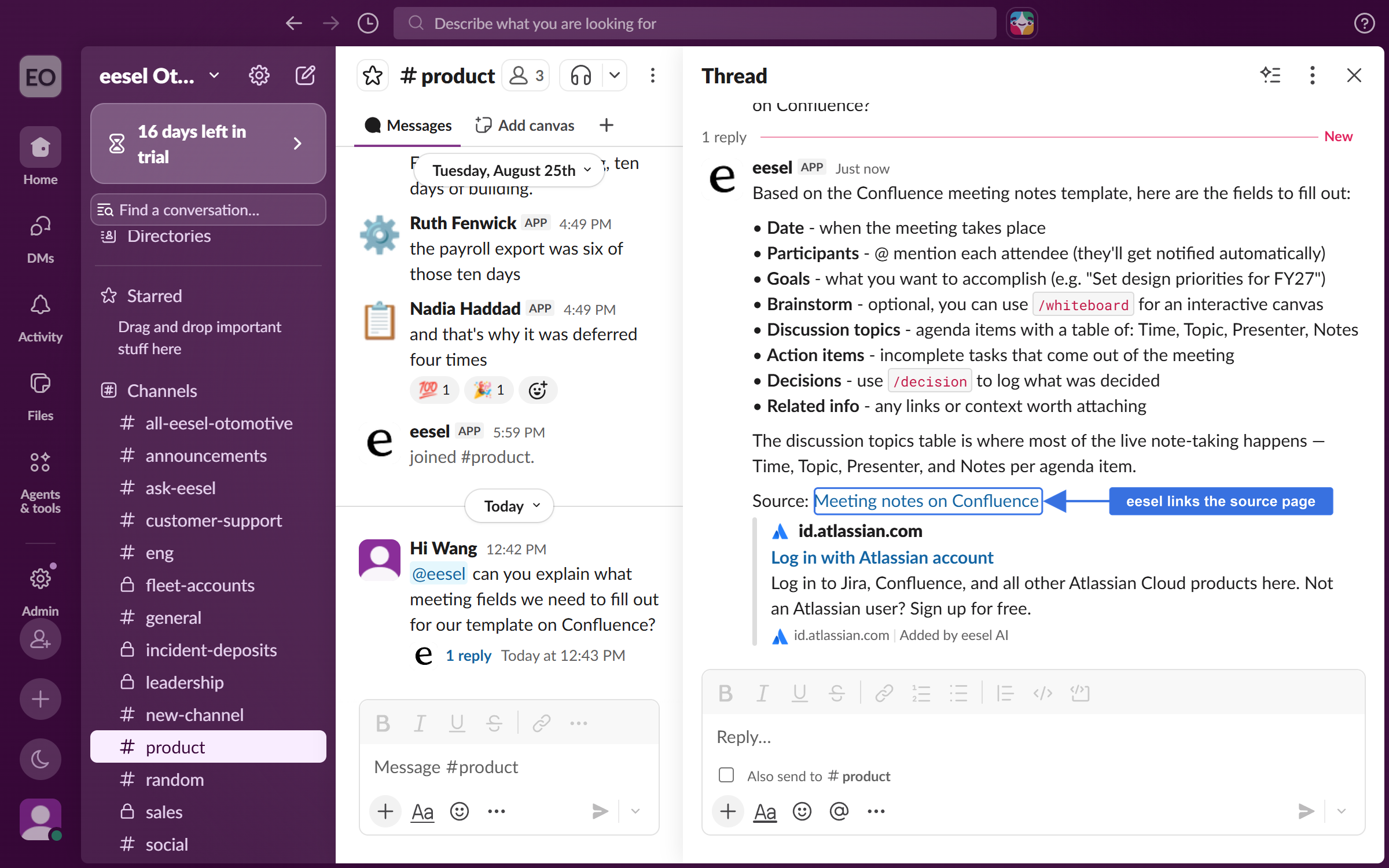
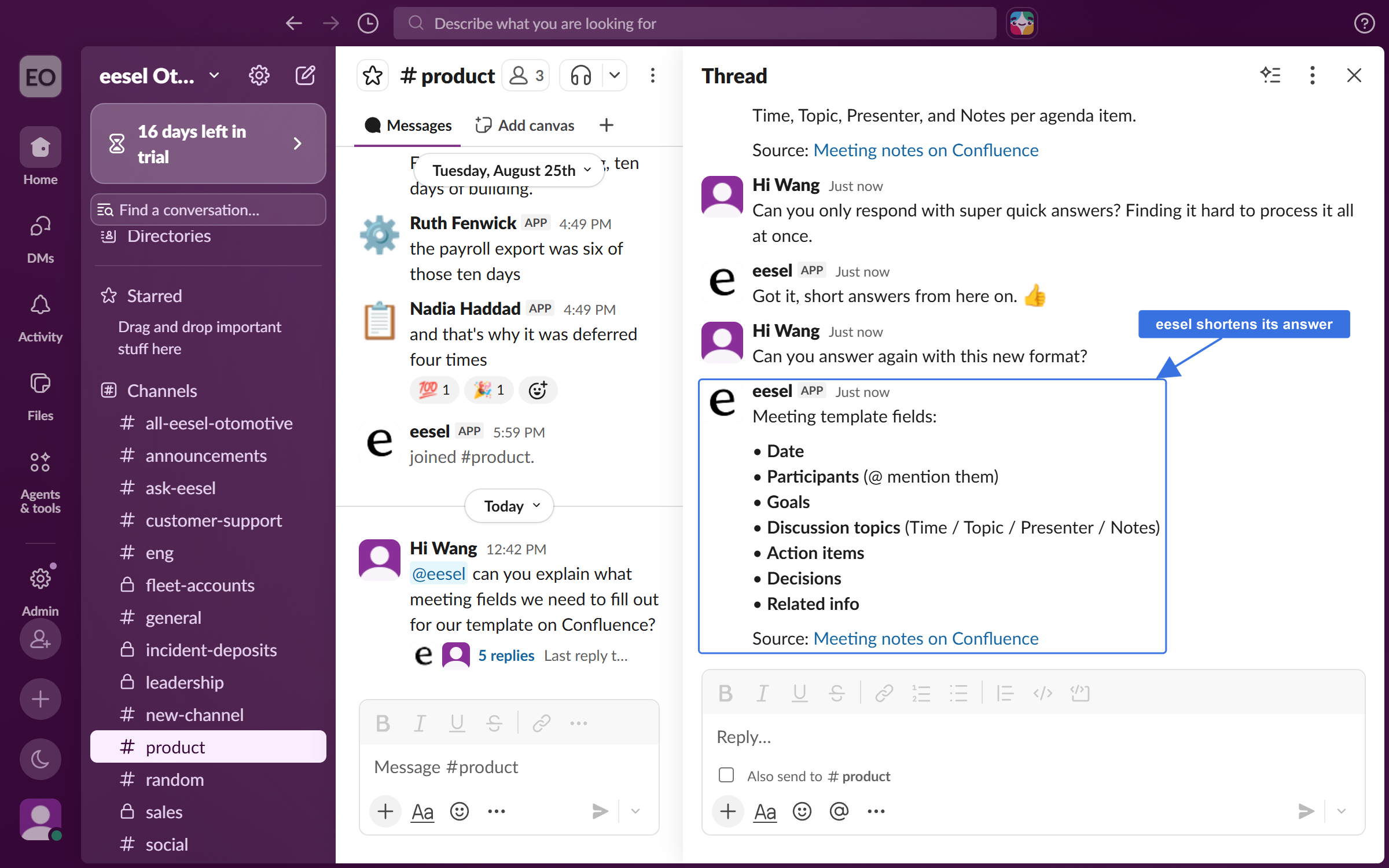
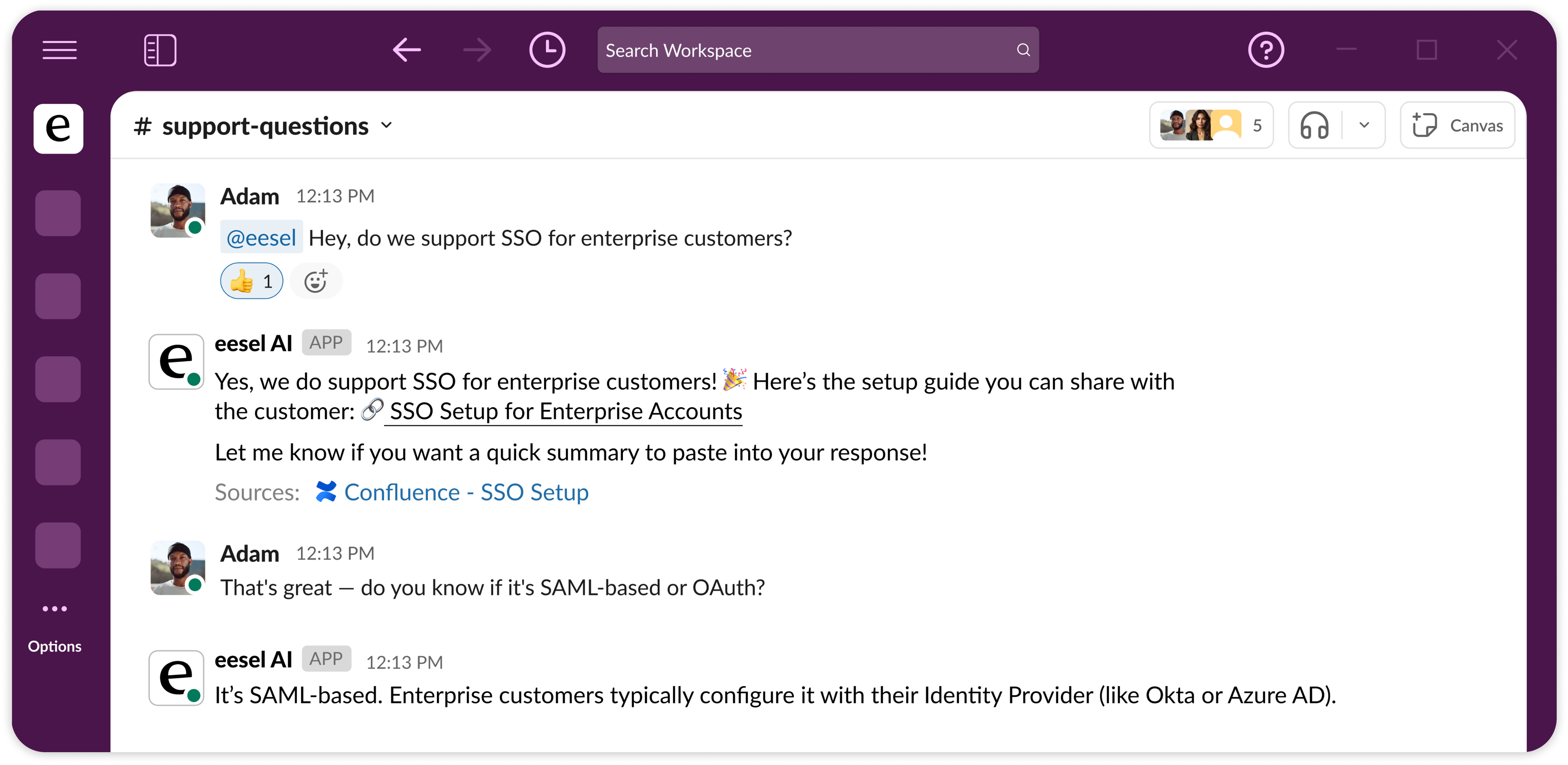
Give your team a knowledge agent that answers questions from your internal docs - directly in Slack. Instead of searching through Confluence, Notion, or Google Drive, team members @mention the agent and get sourced answers in-thread.

**How it differs from Helpdesk:**

|             | Helpdesk Agent                          | Internal Knowledge Agent                                              |
| ----------- | --------------------------------------- | --------------------------------------------------------------------- |
| Audience    | External customers                      | Internal team members                                                 |
| Channel     | Zendesk, Freshdesk, email, website chat | Slack, Teams                                                          |
| Core action | Resolve support tickets                 | Answer questions from internal docs and sources, or public knowledge. |
| Trigger     | New ticket, @mention in helpdesk        | @eesel mention in Slack or Teams                                      |
| Output      | Ticket replies, tags, internal notes    | Sourced answers in Slack threads                                      |

**Ideal for teams with:**

* Large internal knowledge bases that are hard to navigate
* Frequent onboarding of new hires
* Support teams doing policy lookups
* Repetitive internal questions across departments (IT, HR, ops)

## **Quick Start**

{% stepper %}
{% step %}

### Create your agent and teach it your internal knowledge

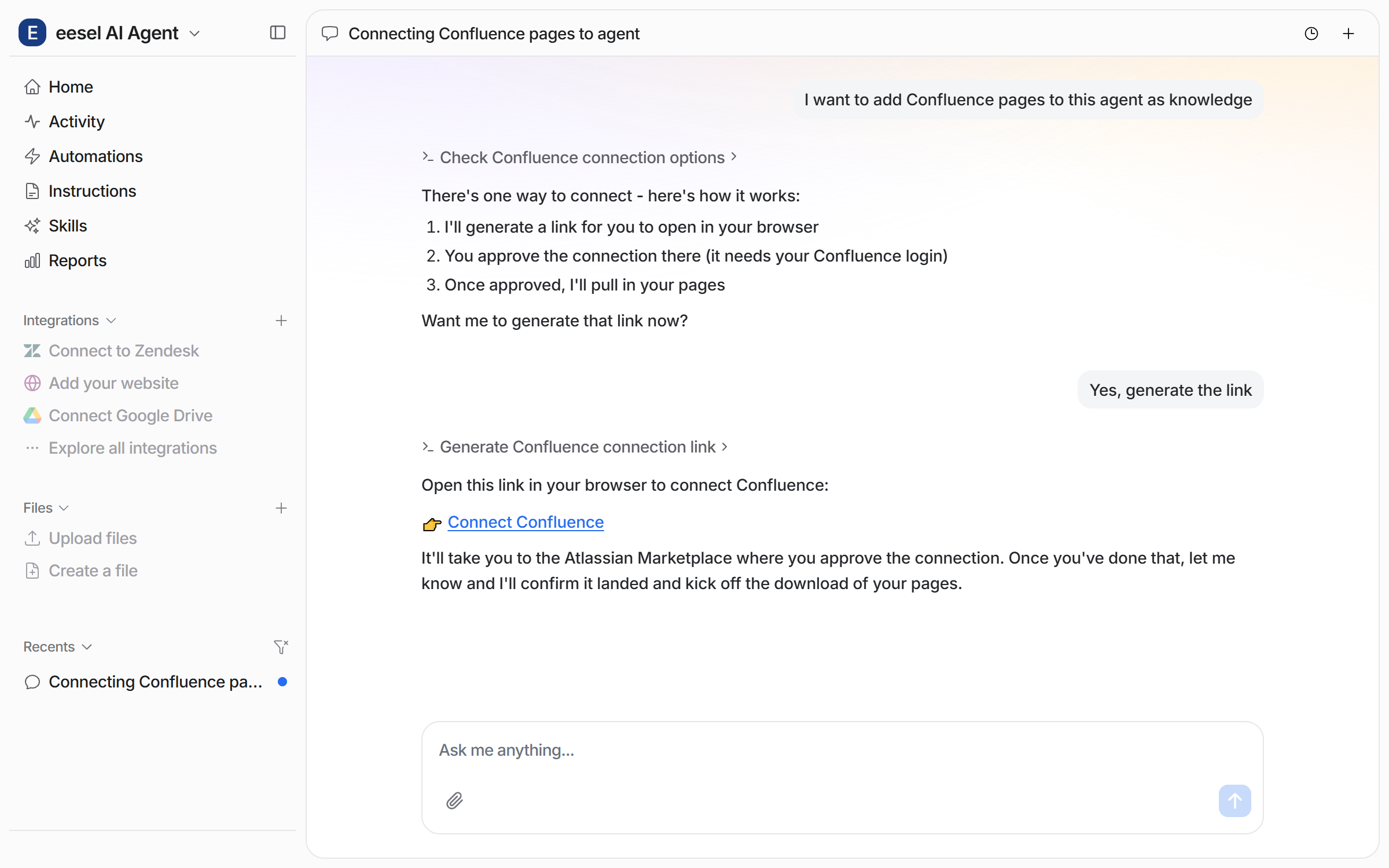
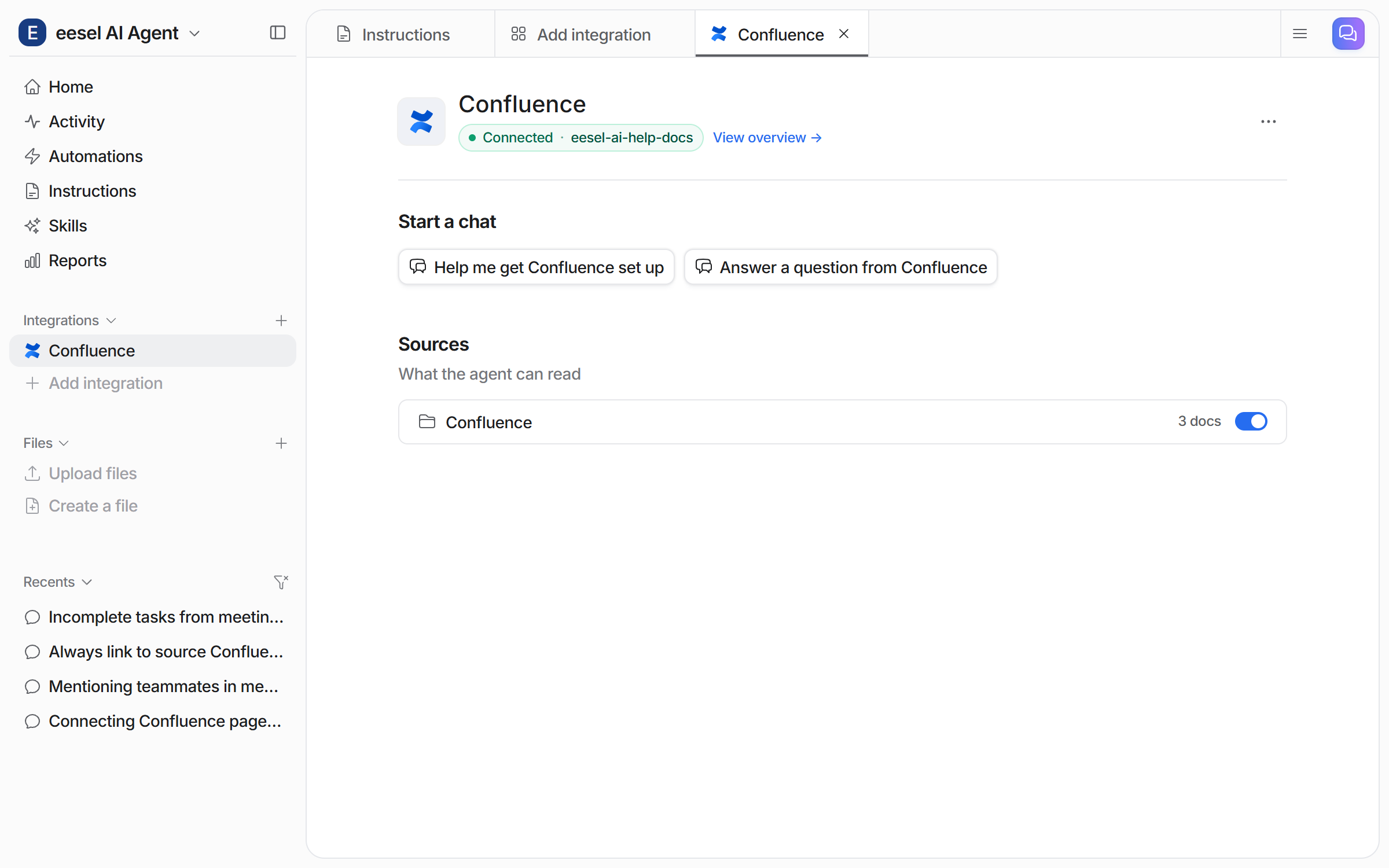
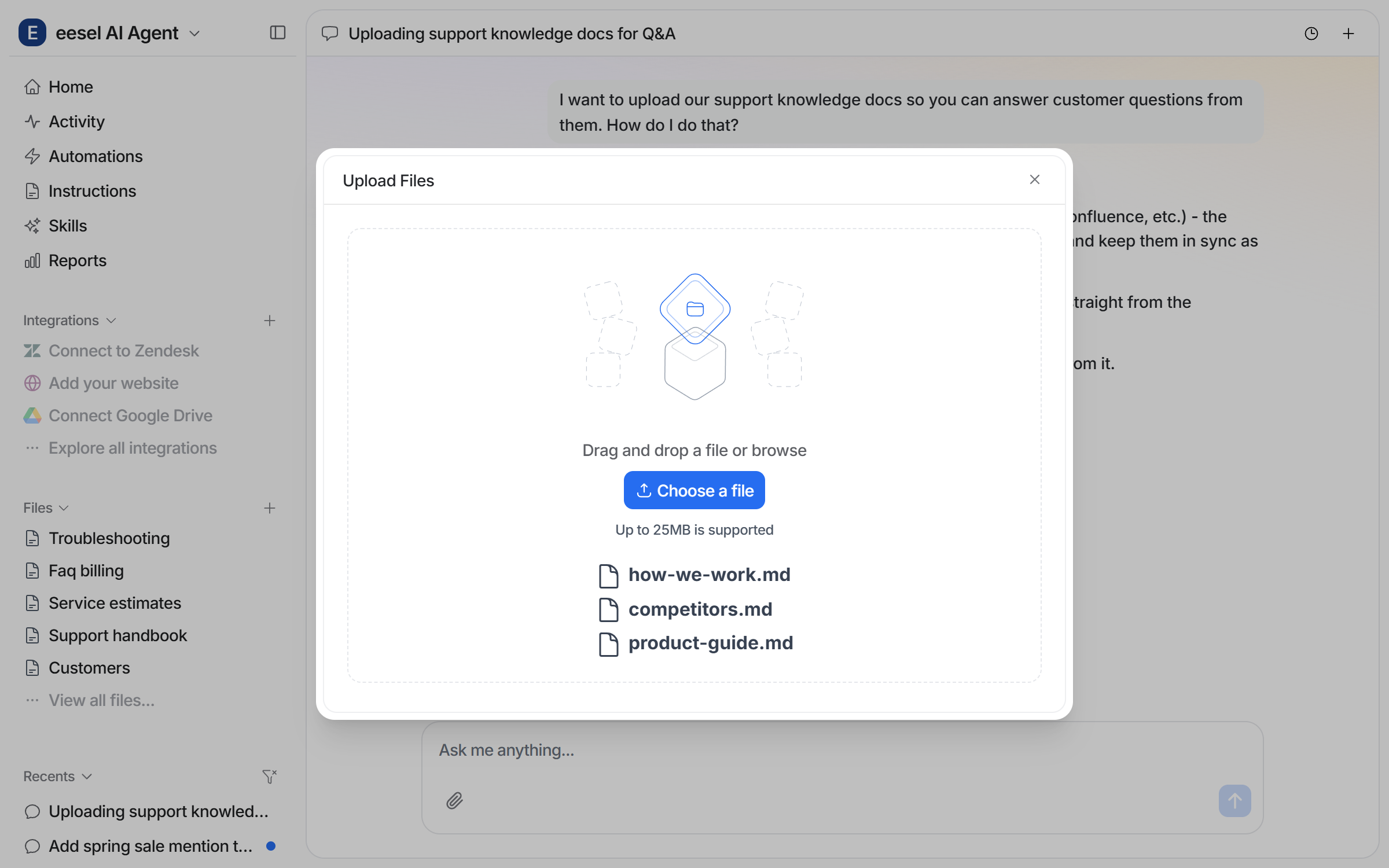
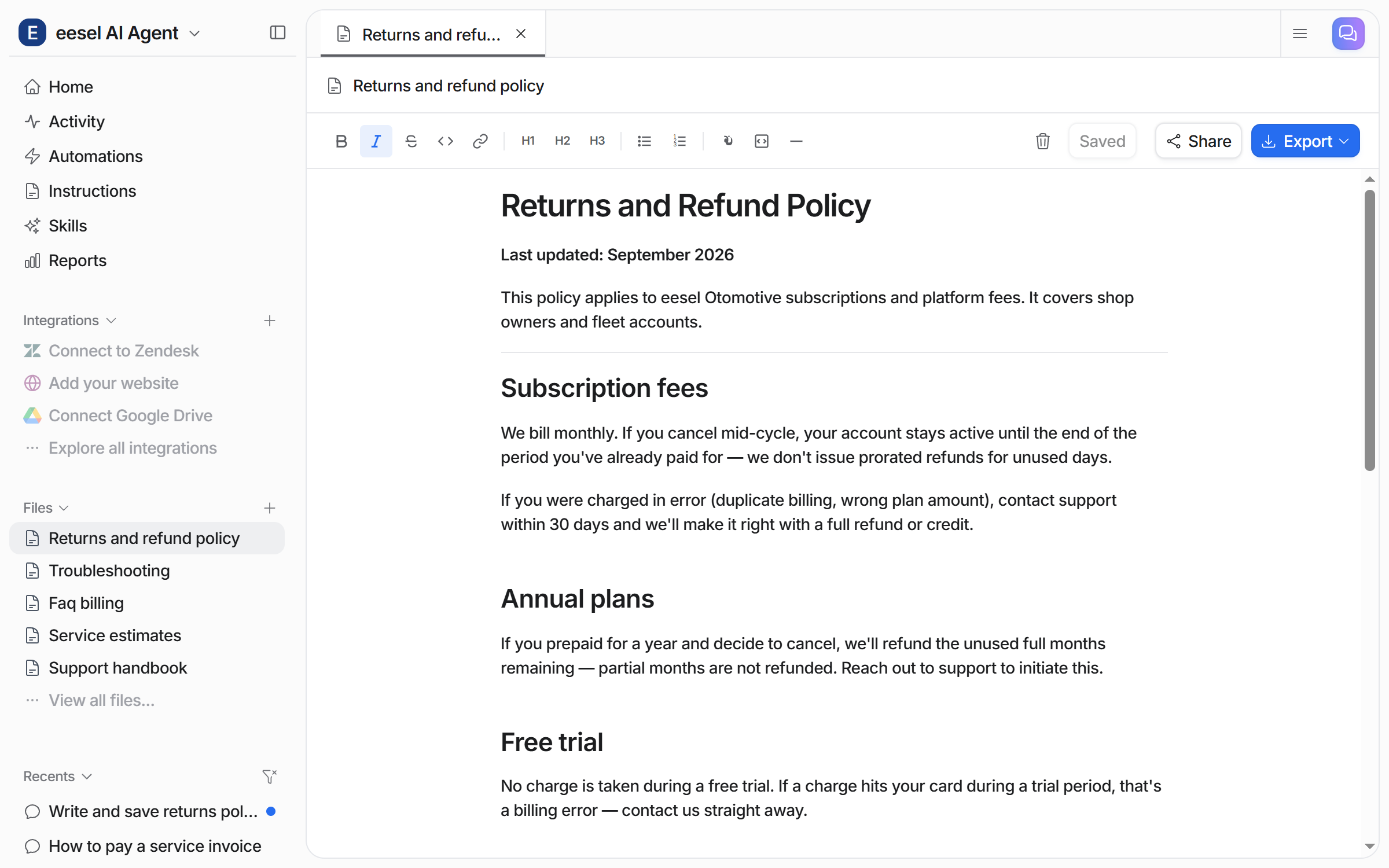
We recommend having a separate agent that uses your internal knowledge. Click the top left agent dropdown to create a new agent. Add your internal wiki knowledge (like Confluence, Notion, Drive, or files) by clicking integrations and following the prompts.
{% endstep %}

{% step %}

### Connect to Slack

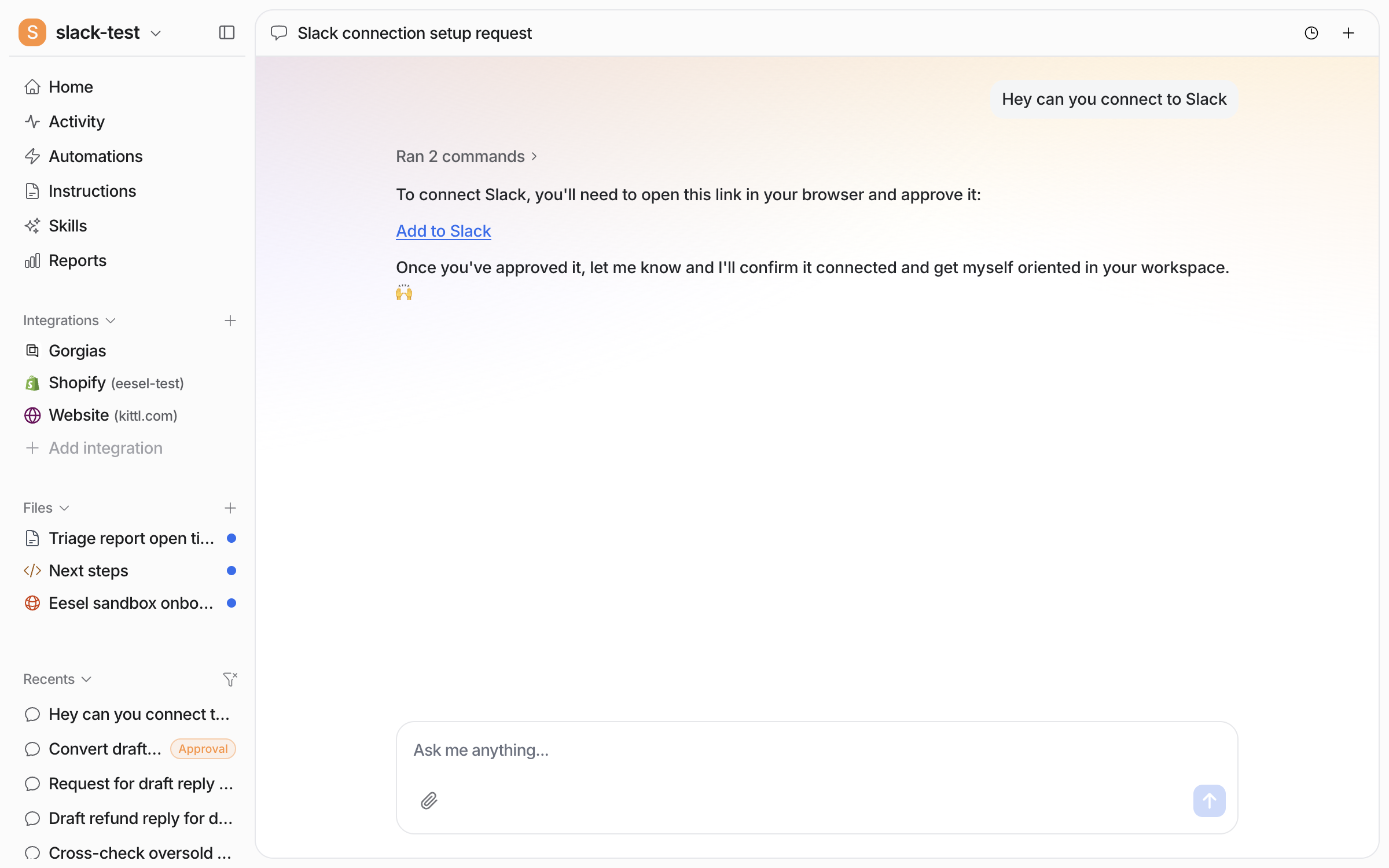
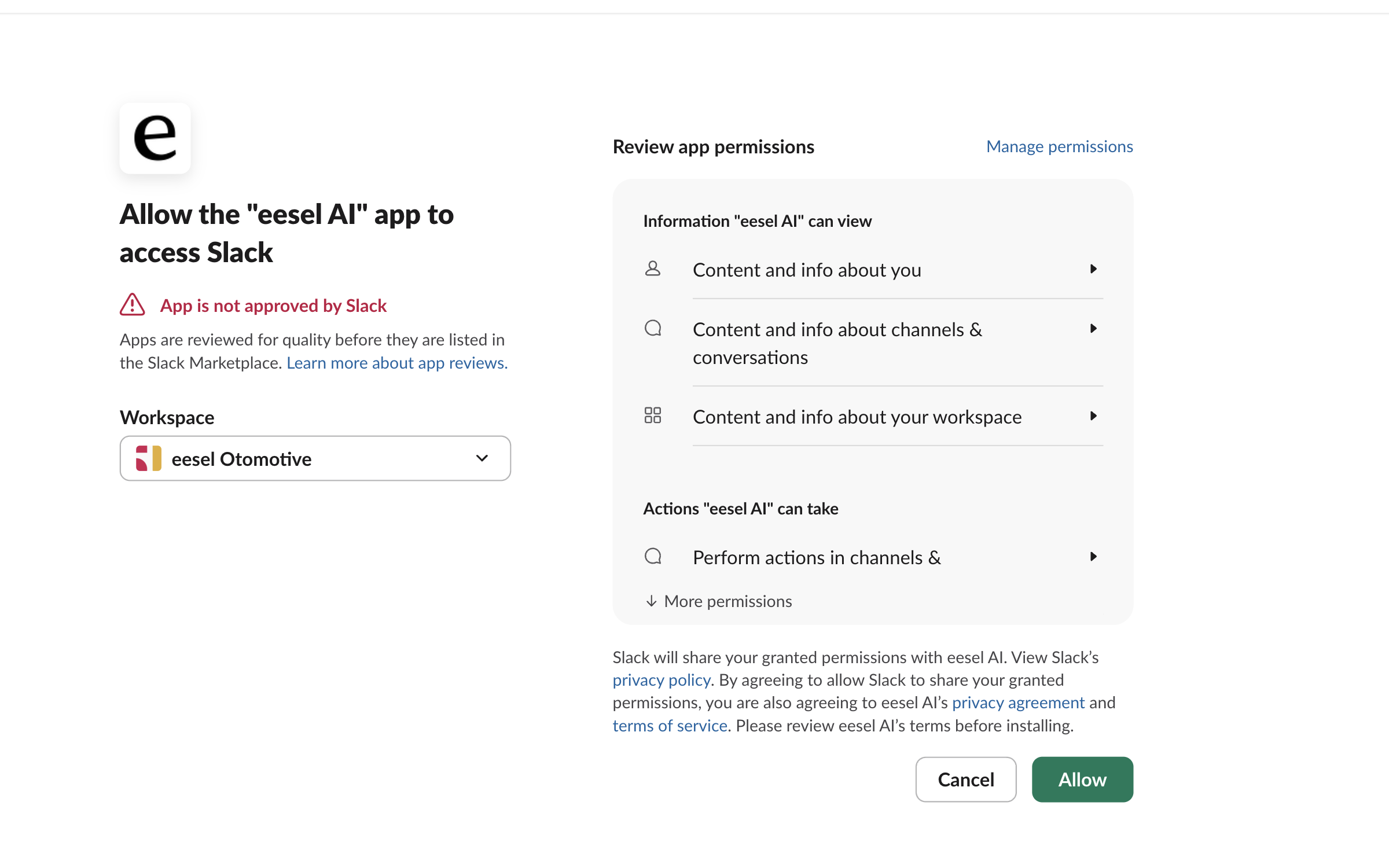
Connect your Slack workspace to your eesel agent's dashboard. Click integrations > Slack and follow the prompts. This will enable your team to @ mention eesel in Slack and the agent will respond in the thread. Add any specific channels you want to add the agent to.
{% endstep %}

{% step %}

### Brief them on the job, and test

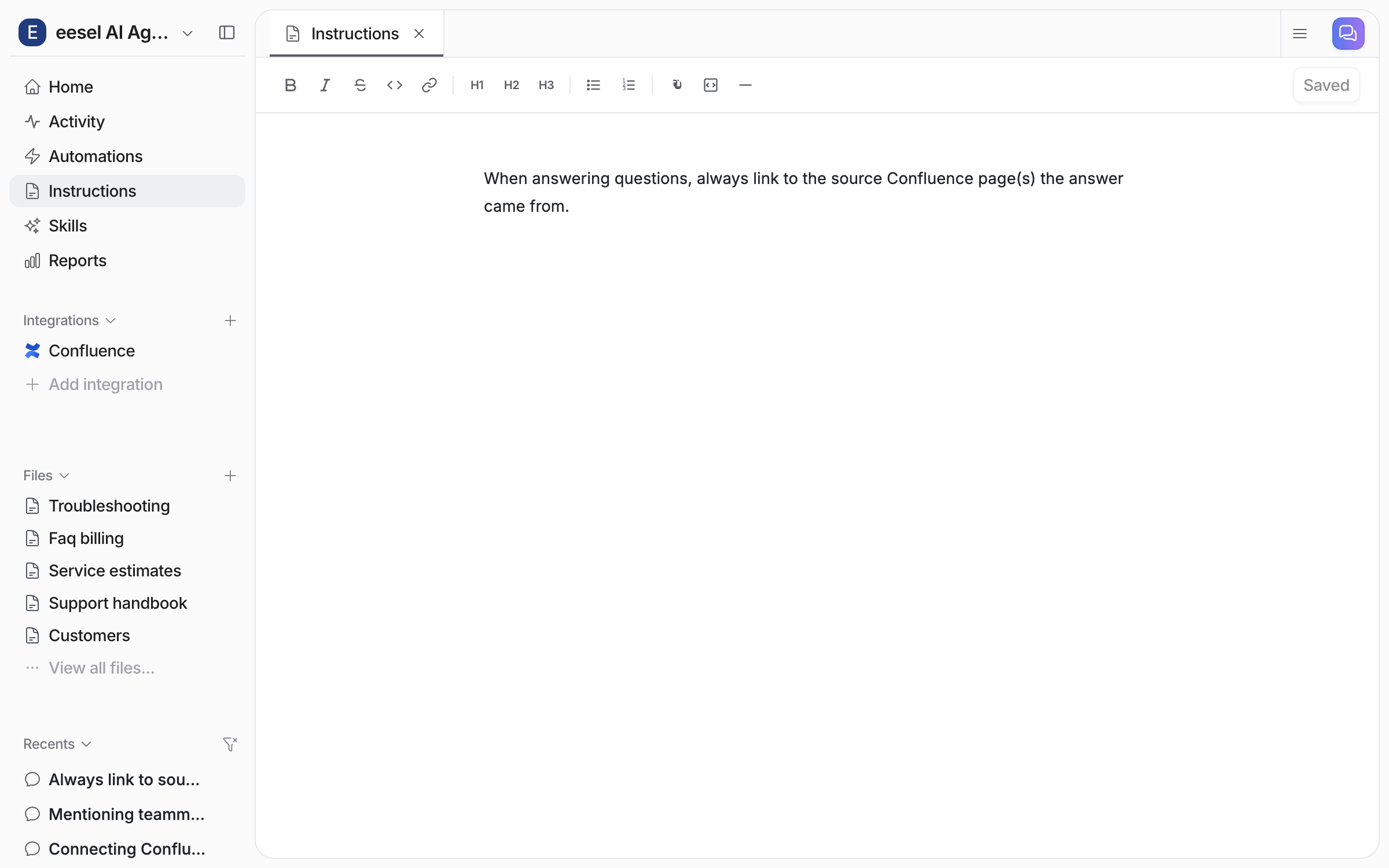
Customize Instructions — tone, structure of responses, what sources to prioritise, what topics to cover, what to escalate, how to handle questions outside its knowledge. Test in the sidebar or in Slack directly.
{% endstep %}
{% endstepper %}

## **What It Can Do**

### **Core capabilities**

* Answer questions from connected knowledge sources
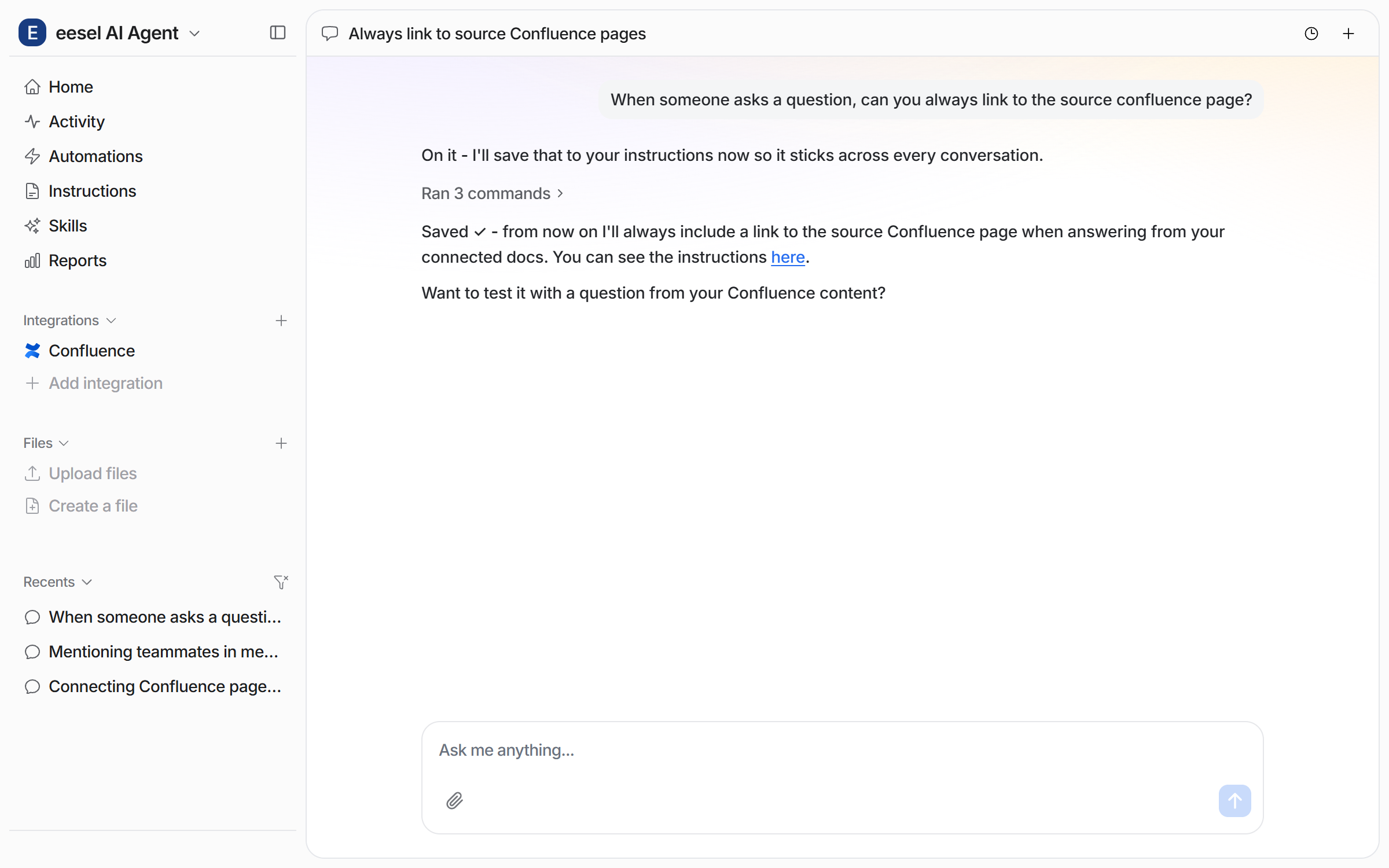
* Cite sources with links to original documents
* Respond in Slack threads (keeps channels clean)
* Send proactive messages to channels
* Multi-source search (pulls from Confluence + Notion + Google Drive in a single answer)

### **Example use cases**

* **New hire onboarding** — "What's our PTO policy?" / "How do I set up VPN?"
* **Cross-team knowledge sharing** — "What's the refund policy for orders under $50?"
* **Sales enablement** — "What integrations do we support?" / "Do we have a SOC 2 cert?"
* **IT support** — "How do I reset my email password?" / "What's the Zoom login?"

### **How answers work**

1. Team member @mentions the agent with a question
2. Agent searches all connected knowledge sources
3. Response appears in the Slack thread with source citations
4. If the agent can't find an answer, it says so (no hallucination)

### **Default Skills**

* **Theme Analysis -** Analyzes conversations across channels - recurring topics, volume trends, resolution rates. Outputs ranked themes with volume and trend data.
* **KB Auto-updater** - finds gaps in knowledge from conversation patterns


---

# Agent Instructions: Querying This Documentation

If you need additional information that is not directly available in this page, you can query the documentation dynamically by asking a question.

Perform an HTTP GET request on the current page URL with the `ask` query parameter:

```
GET https://docs.eesel.ai/use-cases/internal-knowledge.md?ask=<question>
```

The question should be specific, self-contained, and written in natural language.
The response will contain a direct answer to the question and relevant excerpts and sources from the documentation.

Use this mechanism when the answer is not explicitly present in the current page, you need clarification or additional context, or you want to retrieve related documentation sections.